How to select the learning preset style in a chat in Claude.ai
Here is how to select the learning preset style in a chat in claude.ai
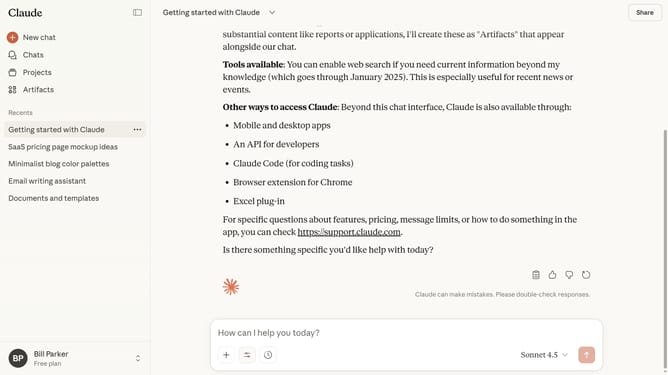
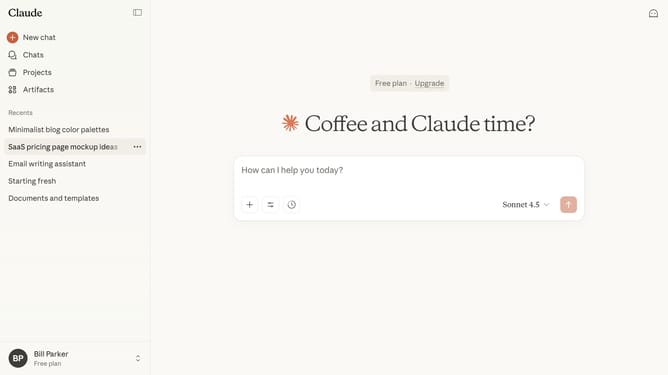
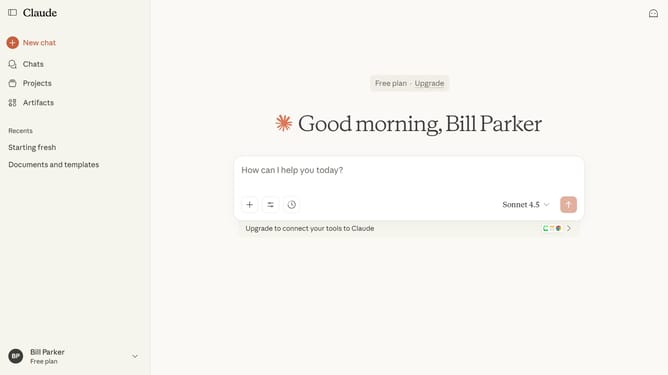
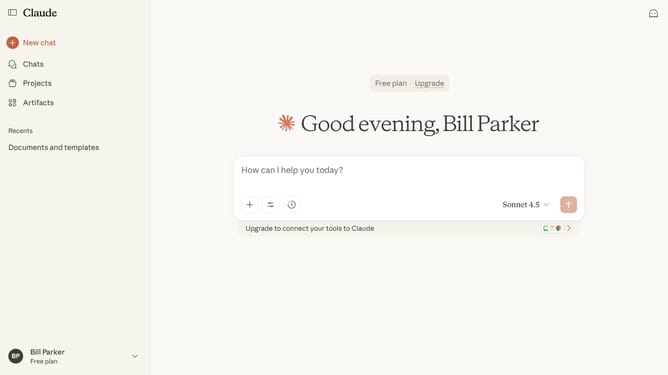
- First start a new chat or open an existing chat
- Next click on the "Search and tools" button below the input field
- Click on the "Use style" option in the dropdown menu
- Then select the "Learning" style option from the dropdown menu
- Type your prompt or question, and Claude will respond with educational, instructive answers designed for learning
Why should you select the learning preset style in a chat in Claude.ai
Claude.ai revolutionizes interactions with its intelligent chat capabilities.
The learning preset style feature allows users to customize conversations to their specific needs or preferences, ensuring an enhanced user experience.
Selecting the right preset style optimizes chat interactions, improves efficiency, and personalizes the interaction vibe.
For users, this not only amplifies engagement but also makes every conversation more meaningful and tailored to individual preferences.
Last update