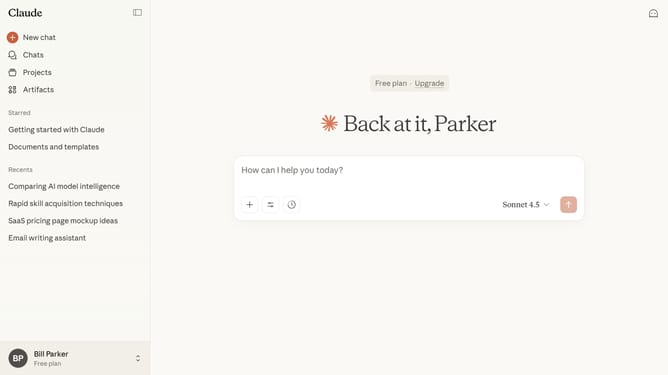
How to enable the artifacts feature in Claude.ai
Here is how to enable the artifacts feature in claude.ai
- First click on the user profile in the bottom left corner of the sidebar
- Next click on the "Settings" option in the expanded user menu
- Click on the "Capabilities" option in the settings sidebar menu
- Then locate the "Artifacts" option
- Finally toggle the switch on to enable the feature
Why should you enable the artifacts feature in Claude.ai
Claude.ai is a cutting-edge AI platform designed to enhance productivity and creativity.
The artifacts feature within Claude.ai is a game-changer, allowing users to efficiently manage and organize their projects with ease. Enabling this feature transforms chaotic data into easy-to-access resources, streamlined for optimal use.
By activating artifacts, you can ensure your valuable insights and creations are stored securely. Users benefit from enhanced collaboration and seamless workflow integration, making complex tasks more manageable and boosting overall efficiency.
Last update