How to log out of your Claude.ai account
Here is how to log out of your claude.ai account
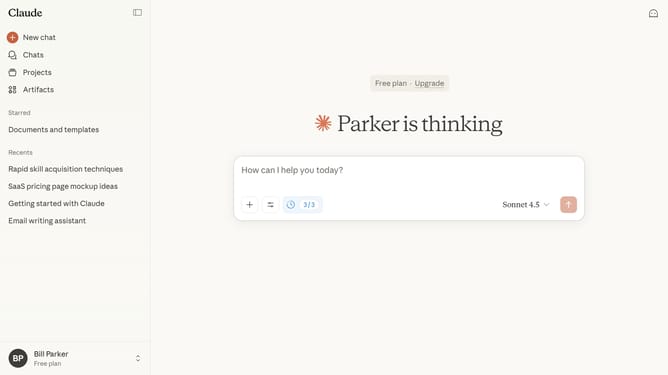
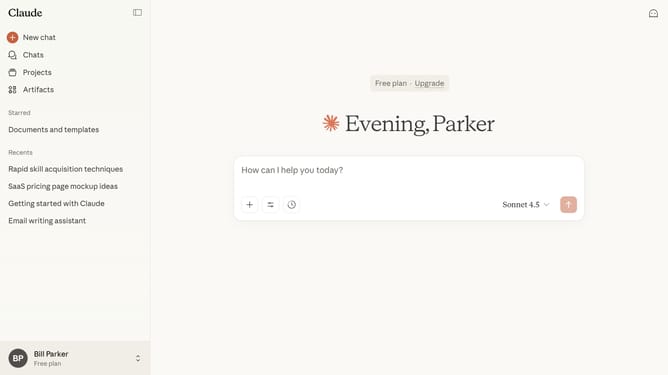
- First click on your profile button in the bottom left sidebar
- Then click on the "Log out" option in the account menu
- Finally you will be signed out of your Claude.ai account immediately
Why should you log out of your Claude.ai account
Claude.ai is a cutting-edge platform designed to enhance productivity through interactive AI solutions.
Logging out of your Claude.ai account is a straightforward feature that ensures the safety and privacy of your data. This function is crucial in maintaining secure access control, especially in shared or public spaces.
By logging out, you not only protect sensitive information from unauthorized access but also maintain a seamless experience across different devices. It’s a simple step towards safeguarding your personal and professional information.
Last update