How to allow Claude.ai to use my chats to improve the model
Here is how to allow claude.ai to use my chats to improve the model
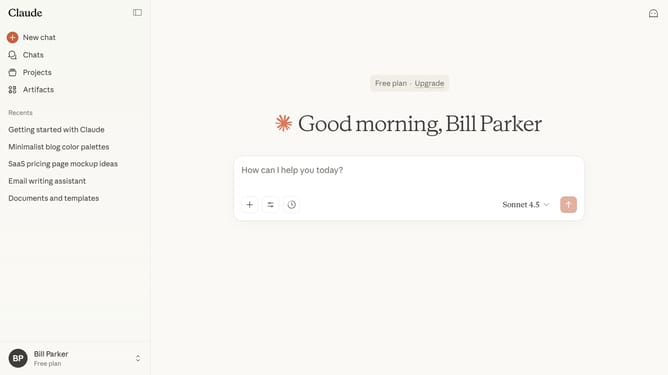
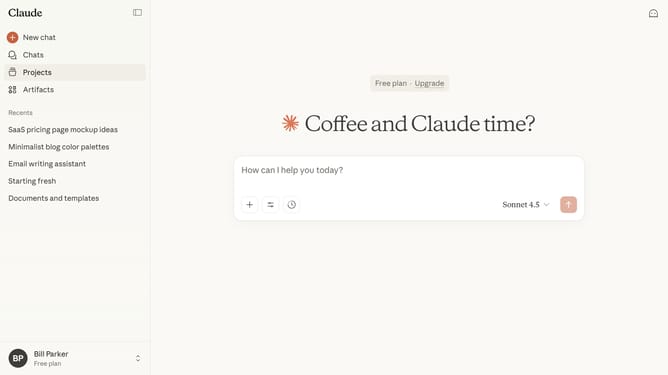
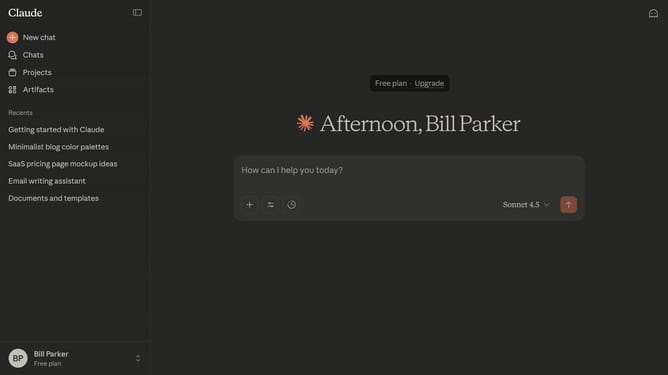
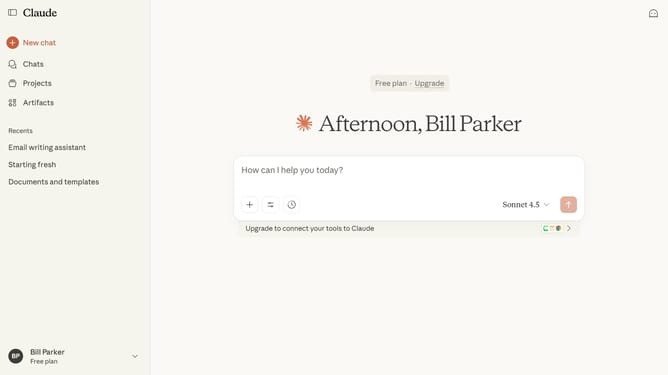
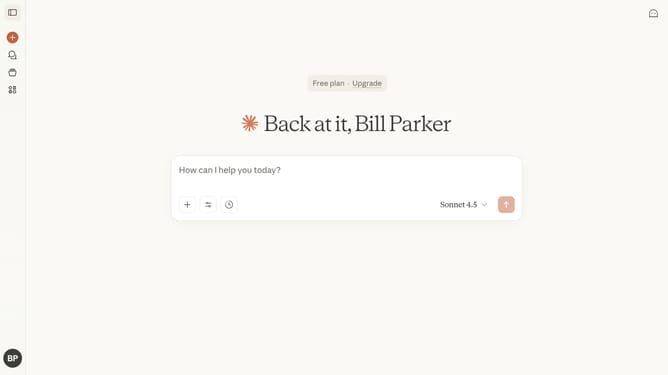
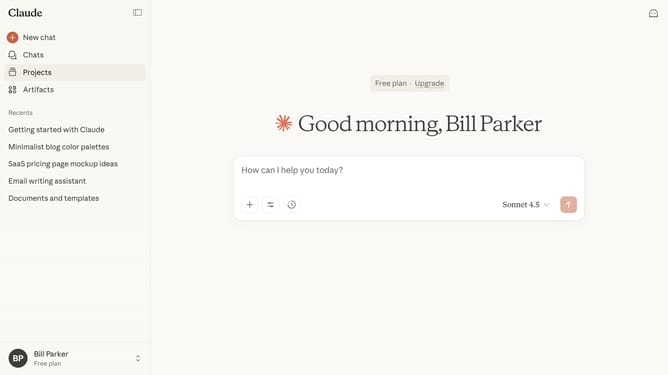
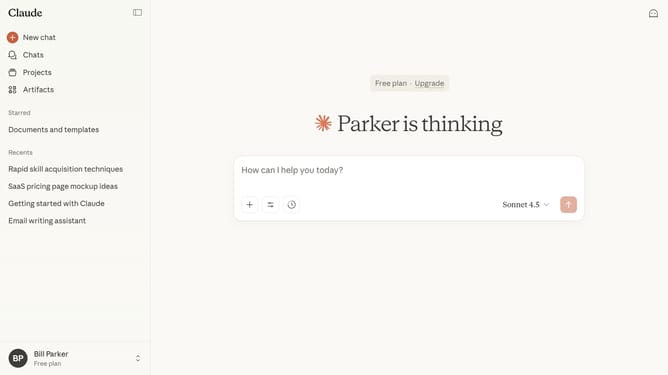
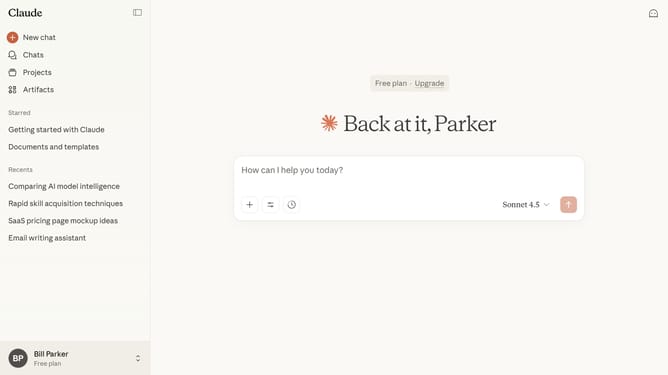
- First click on your profile button in the bottom left corner of the sidebar
- Next click on the "Settings" option in the user menu
- Click on the "Privacy" tab in the settings sidebar menu
- Then scroll down to locate the "Help improve Claude" section in the privacy settings
- Finally, switch the toggle on to enable the feature
Why should you allow Claude.ai to use my chats to improve the model
Claude.ai is a cutting-edge conversational AI designed to enhance user interaction effortlessly.
By choosing to allow Claude.ai to use your chats, you contribute to improving its model. This process helps Claude.ai become more accurate and intuitive in understanding and responding to a wide array of conversations.
The more it learns from real interactions, the better its ability to cater to diverse needs, ensuring a richer and more engaging user experience. This collaborative approach not only benefits you but also the broader community of users.
Last update