How to switch between regular and incognito mode in Claude.ai
Here is how to switch between regular and incognito mode in claude.ai
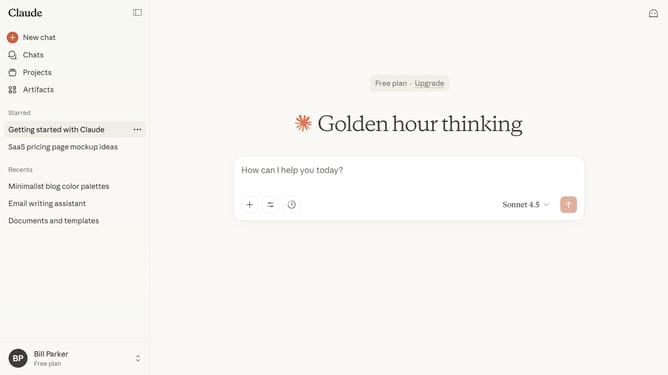
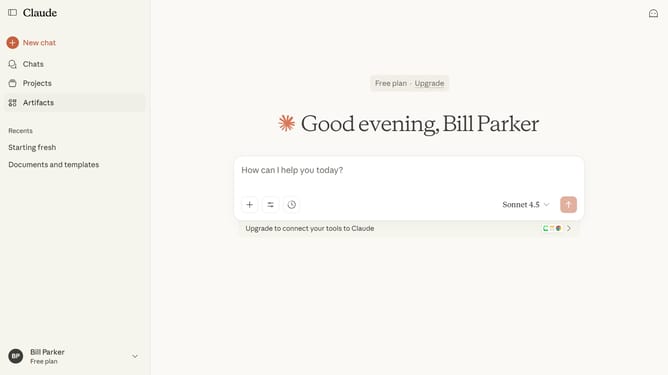
- First start a new chat by clicking on the "New chat" button in the left sidebar
- Then click on the ghost icon in the top right corner of the header
- The Incognito chat window opens in fullscreen mode, where your conversation history is not saved
- To return to regular mode, close the incognito chat window
Why should you switch between regular and incognito mode in Claude.ai
Claude.ai is an intuitive platform designed to enhance user interaction and data privacy.
The ability to switch between regular and incognito modes in Claude.ai offers users flexibility in how they manage their data. Regular mode allows for an enhanced and personalized experience by learning from interactions. Incognito mode, on the other hand, prioritizes user privacy by not storing any personal data.
This feature allows users to confidently choose between personalized assistance or maintaining maximum privacy, depending on their immediate needs.
Last update