How to download a code artifact as HTML in Claude.ai
Here is how to download a code artifact as html in claude.ai
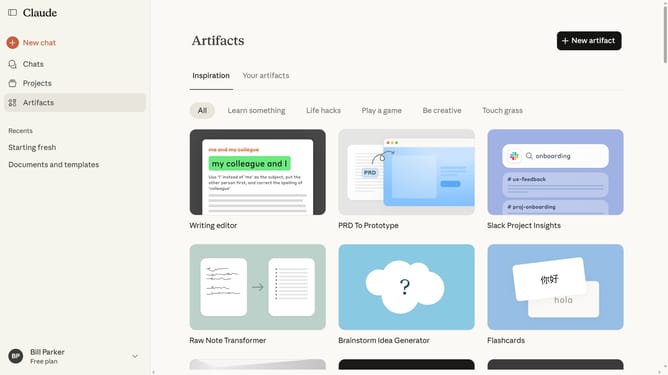
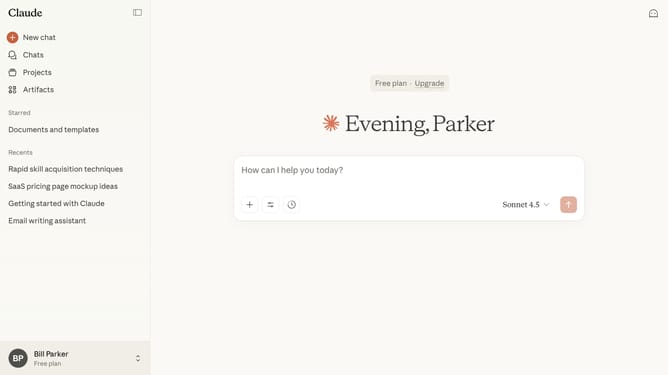
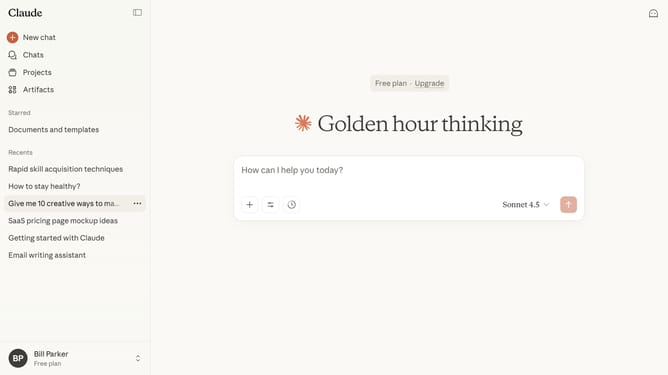
- First click on "Artifacts" in the left sidebar
- Then click on "Your artifacts" tab in the top navigation
- Click on the code artifact you want to download
- Next click on the dropdown arrow next to the "Copy" button to expand options
- Finally click on "Download as HTML" option from the dropdown menu
Why should you download a code artifact as HTML in Claude.ai
Claude.ai is an advanced platform designed to enhance your workflow with AI capabilities.
Downloading a code artifact as HTML in Claude.ai streamlines the way you interact with your code, providing a user-friendly format to review or present your work.
This feature allows ease of sharing and presentation, making collaboration seamless within teams.
By offering an HTML version, it enhances accessibility and ensures that your code is readily available in a format that's both visually appealing and easy to manipulate.
Last update