How to unpublish an artifact in Claude.ai
Here is how to unpublish an artifact in claude.ai
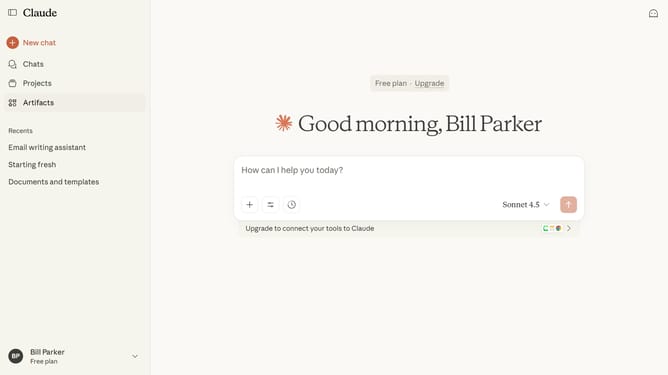
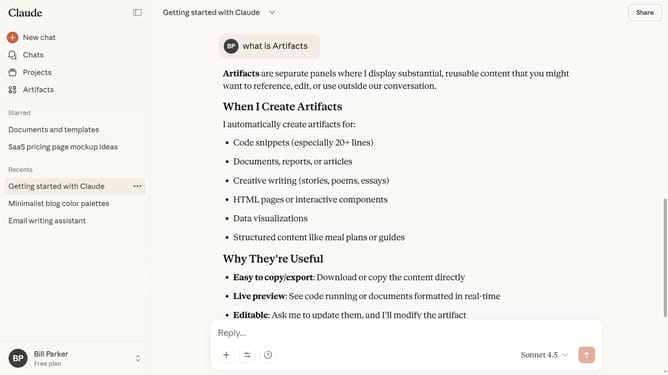
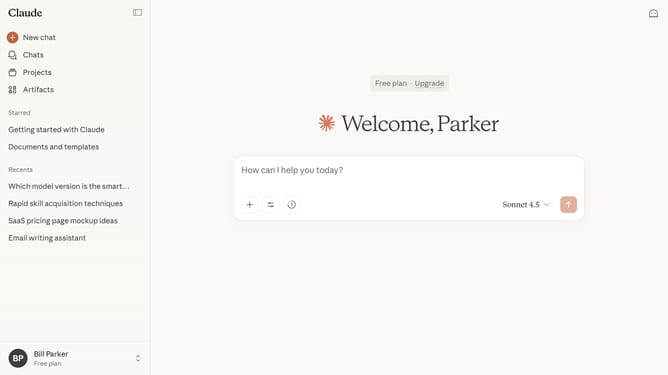
- First click on the "Artifacts" menu item in the left sidebar
- Next click on the "Your artifacts" tab in the top navigation
- Click on the published Artifact you want to unpublish
- Then click the “Published” button to open the publishing options
- Finally click on the "Unpublish" button in the publishing dialog
Why should you unpublish an artifact in Claude.ai
Claude.ai is an intuitive platform designed to simplify and enhance your collaborative work and content management.
The option to unpublish an artifact in Claude.ai empowers users to maintain control over their shared content, ensuring only relevant and up-to-date information is available.
Utilizing this feature helps prevent outdated or incorrect data from misleading your audience, enhancing the quality and credibility of your content.
By seamlessly managing the visibility of your artifacts, Claude.ai supports efficient collaboration and effective information sharing.
Last update