How to enable extended thinking in Claude.ai
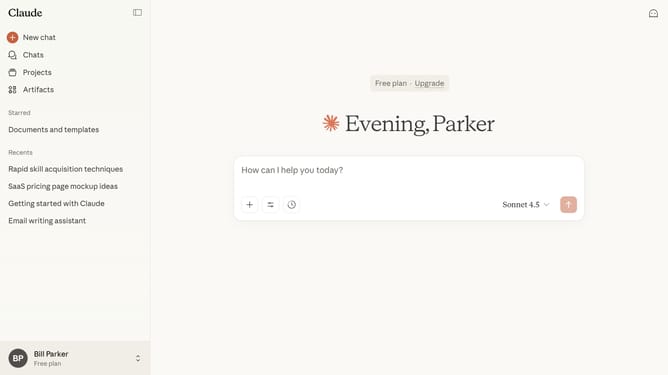
Here is how to enable extended thinking in claude.ai
- First start a new chat or open an existing chat
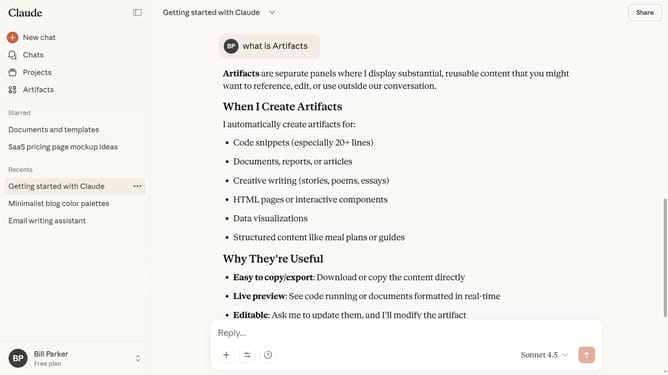
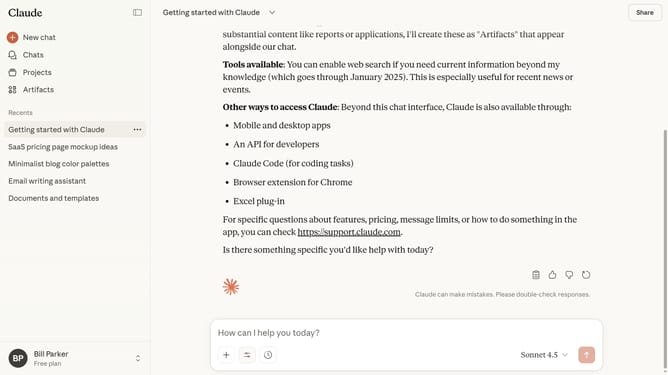
- Next click on the "Search and tools" button below the input field
- Then locate the "Extended thinking" option in the dropdown menu
- Finally switch the toggle on to enable Extended Thinking
- Now type your question or prompt, and Claude will generate a detailed response using Extended Thinking
Why should you enable extended thinking in Claude.ai
Claude.ai is a cutting-edge virtual assistant designed to enhance productivity and creativity.
The feature of extended thinking in Claude.ai allows users to dive deeper into complex topics and generate comprehensive insights.
By enabling extended thinking, users can uncover hidden patterns, expand upon initial ideas, and foster innovative solutions. This feature empowers creative problem-solving and results in more thorough analyses.
Ultimately, Claude.ai's extended thinking capability supports decision-making and fuels forward-thinking initiatives.
Last update