How to change the style of Claude’s responses
Here is how to change the style of claude’s responses
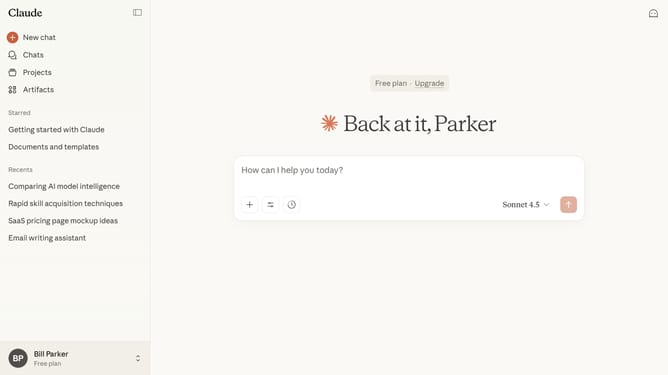
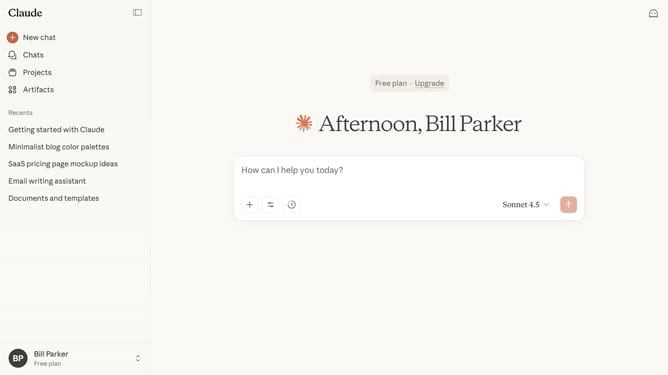
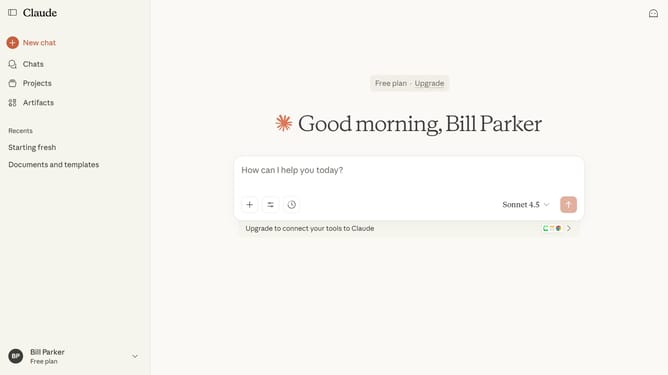
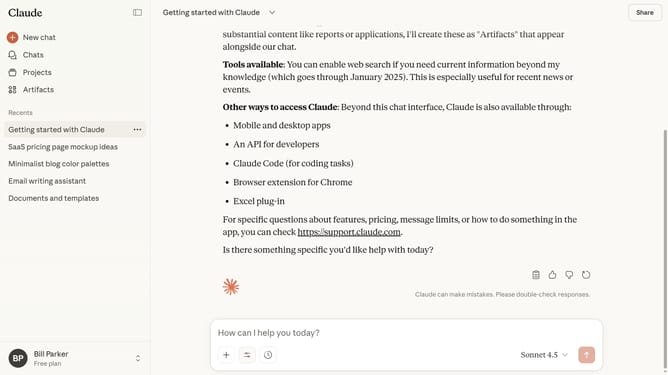
- First start a new chat or open an existing chat
- Next click on the "Search and tools" button below the input field
- Click on the "Use style" option in the dropdown menu
- Then select preset style you want to use from the style menu
- You can now type your prompt, and Claude will adapt its responses according to your selected style
Why should you change the style of Claude’s responses
Claude is an AI designed to enhance your communication by providing insightful responses tailored to your needs.
With the ability to change the style of Claude’s responses, you gain control over how information is conveyed, ensuring it aligns with your personal or professional tone.
This feature is beneficial for maintaining consistency in branding or simply providing a touch of personalization in everyday interactions. Customizing response styles can help engage your audience more effectively, making communication clearer and more impactful.
Last update