How to export your data in Claude.ai
Here is how to export your data in claude.ai
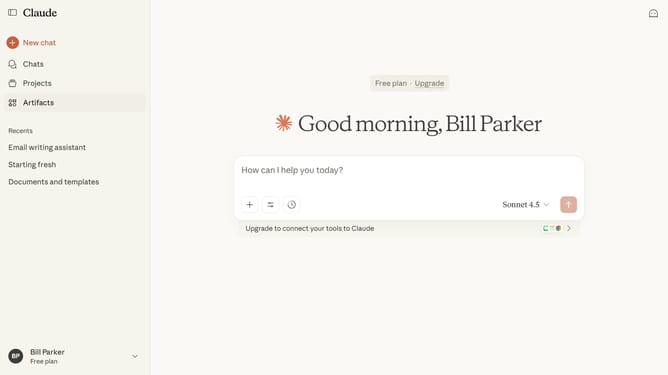
- First click on the user profile section in the bottom left sidebar to open the account menu
- Next click on the "Settings" option in the account menu
- Click on the "Privacy" tab in the settings sidebar menu
- Then click on the "Export data" button in the Privacy settings section
- In the Export data dialog, choose the export options
- Finally click the "Export" button to start the export
- You’ll receive a download link by email once your export is ready
Why should you export your data in Claude.ai
Claude.ai is an innovative platform that enhances decision-making through streamlined data analytics tools.
One of the standout features is the ability to effortlessly export your data. Easily accessing and transferring your data allows for greater flexibility and transparency in managing information.
This feature ensures users have complete control over their data, enabling smooth collaboration and detailed analysis across different teams and platforms.
The efficiency gained from exporting data helps optimize workflow and supports strategic planning and informed decision-making.
Last update