How to unshare an artifact in Claude.ai
Here is how to unshare an artifact in claude.ai
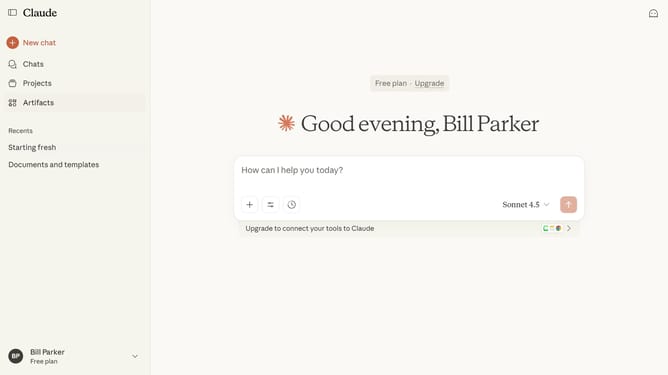
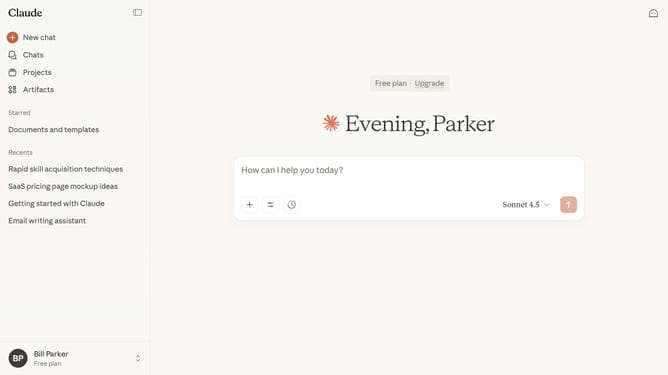
- First click on "Artifacts" in the left sidebar navigation menu
- Next click on "Your artifacts" tab in the top navigation bar
- Click on the Artifact you want to make private to open it
- Close the Artifact panel by clicking the “X” button in the right-side panel
- Then click on the "Share" button in the top right corner of the page
- Finally select the "Private" option in the sharing dialog modal
- The Artifact is now private and no longer publicly accessible
Why should you unshare an artifact in Claude.ai
Claude.ai is a cutting-edge platform designed to streamline collaborative projects and enhance productivity through its innovative features.
The ability to unshare an artifact in Claude.ai is a feature that emphasizes flexibility and control over shared content. This function is crucial for maintaining privacy and ensuring that only intended collaborators have access to specific information.
When you unshare an artifact, it enhances data security and preserves the confidentiality of sensitive material. It also allows you to manage who has access to projects, fostering a safer and more organized collaborative environment.
Last update