How to give negative feedback on a response in Claude.ai
Here is how to give negative feedback on a response in claude.ai
- First open the chat that contains the response you want to give feedback on
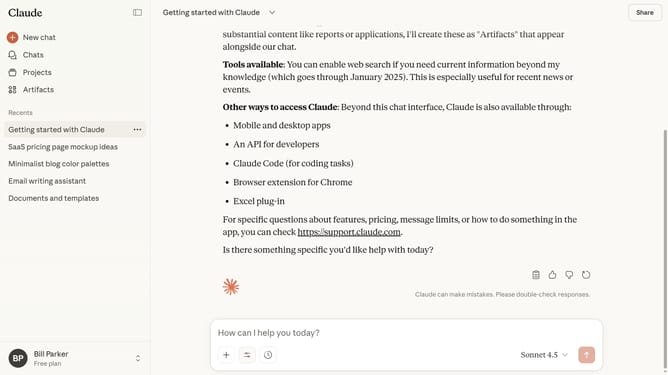
- Next locate the specific message from Claude
- At the bottom of that response, locate the message action toolbar
- Then click on the thumbs down feedback button in the message action toolbar
- In the Feedback modal dialog, select the issue type from the “What type of issue do you wish to report” dropdown
- You can also enter details in the “What was unsatisfying about this response” field
- Finally click on the "Submit" button to send your feedback
Why should you give negative feedback on a response in Claude.ai
Claude.ai is an advanced AI designed to make interactions seamless and intelligent.
The ability to give negative feedback on responses in Claude.ai is crucial for refining its performance. By providing input when the AI's response doesn't hit the mark, you help enhance its learning process, leading to more accurate and useful replies in future interactions.
Using this feature ensures that Claude.ai continually improves, aligning its responses closer to user expectations. This feedback mechanism fosters a dynamic environment where user satisfaction is a top priority.
Last update