How to view all your chats in Claude.ai
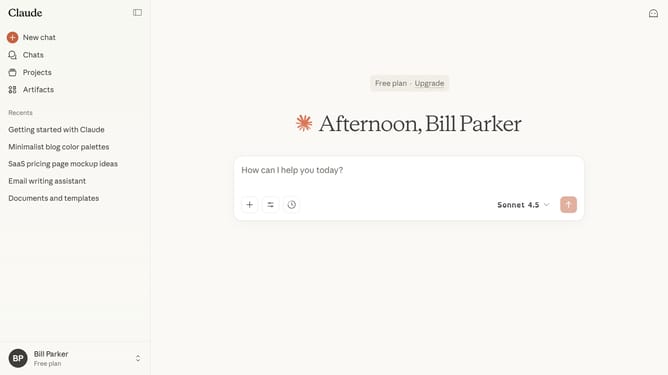
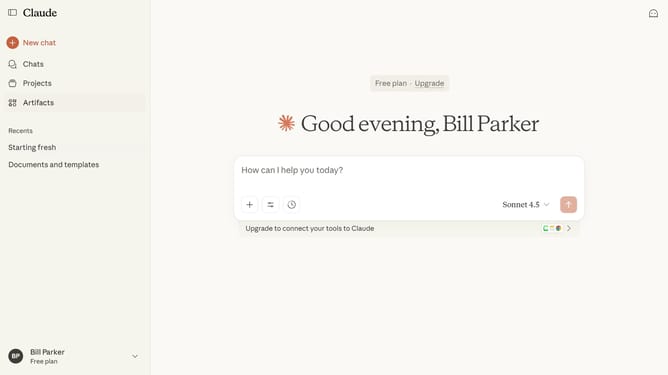
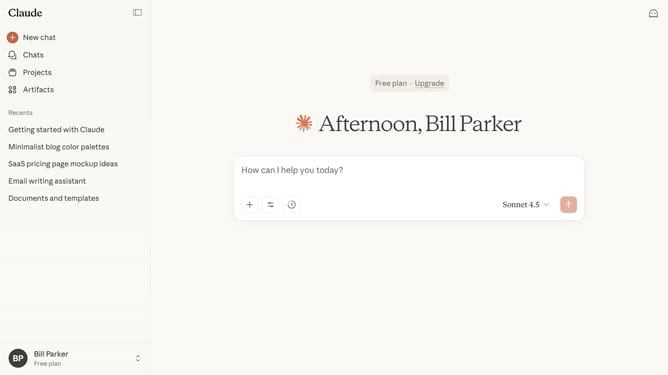
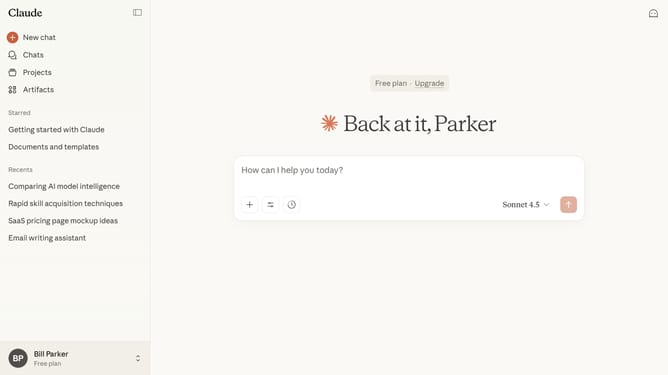
Here is how to view all your chats in claude.ai
- First click on the "Chats" menu item in the left sidebar
- From here, you can browse and access any chat from this list
Why should you view all your chats in Claude.ai
Claude.ai is your go-to destination for seamless AI-driven conversation management.
One standout feature is its ability to display all your chats in one place, ensuring you never miss a beat in any communication.
This centralized chat feature provides invaluable context, making it easier to refer back to previous interactions. Efficiently streamline your workflow and maintain organized communication effortlessly.
Last update