How to view all your artifacts in Claude.ai
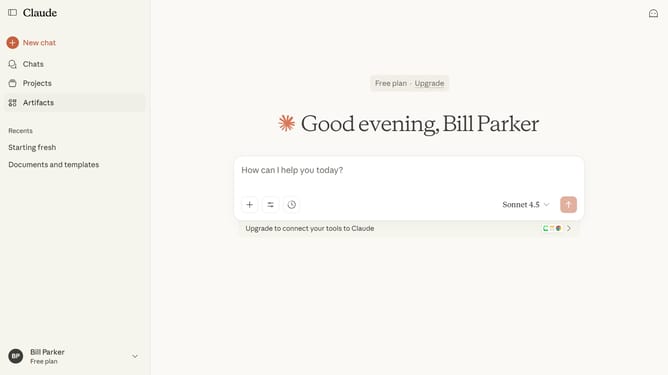
Here is how to view all your artifacts in claude.ai
- First click the Artifacts button to access your artifacts
- Then click the "Your artifacts" tab to view your personal artifacts
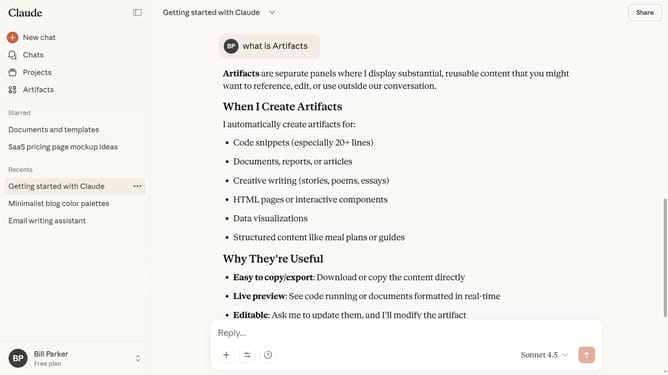
- Your Artifact library will open, showing all your created Artifacts
Why should you view all your artifacts in Claude.ai
Claude.ai is an intuitive platform designed to elevate your creative endeavors through smart organization and seamless access to digital artifacts.
Among its standout features is the ability to view all your artifacts efficiently. This function not only enhances the organization of your digital projects but also streamlines your workflow, ensuring that you can effortlessly track and manage your work.
Accessing all your artifacts in Claude.ai saves time and reduces effort by providing a centralized location for easy viewing, thereby boosting your productivity and focus.
Last update