How to preview a code Artifact in Claude.ai
Here is how to preview a code artifact in claude.ai
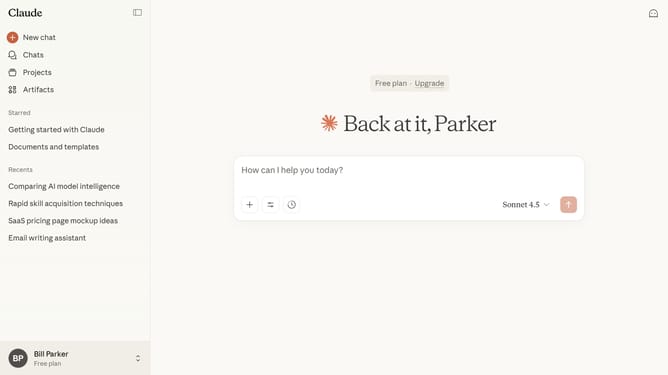
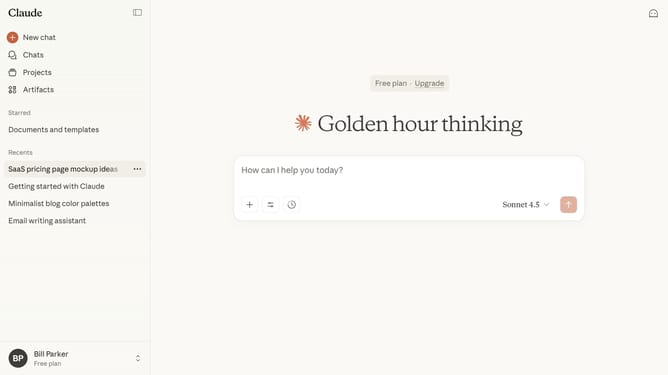
- First click on the "Artifacts" menu item in the left sidebar
- Next click on the "Your artifacts" tab in the top navigation menu
- Click on the code Artifact you want to preview
- Then click on the preview view toggle button in the top toolbar to switch back to preview mode
- Finally review the preview to ensure everything displays and functions correctly
Why should you preview a code Artifact in Claude.ai
Claude is a powerful AI platform designed to enhance productivity and streamline complex digital tasks.
One of its standout features is the ability to preview code artifacts effortlessly. This allows users to quickly assess code snippets without delving into cumbersome processes or facing disruptions in their workflow.
Using this feature provides immediate insight, enhancing the ability to catch errors early and ensuring smoother development cycles. The intuitive interface promotes efficiency, empowering developers to maintain focus and quality throughout their projects.
Last update