How to preview a published artifact in Claude.ai
Here is how to preview a published artifact in claude.ai
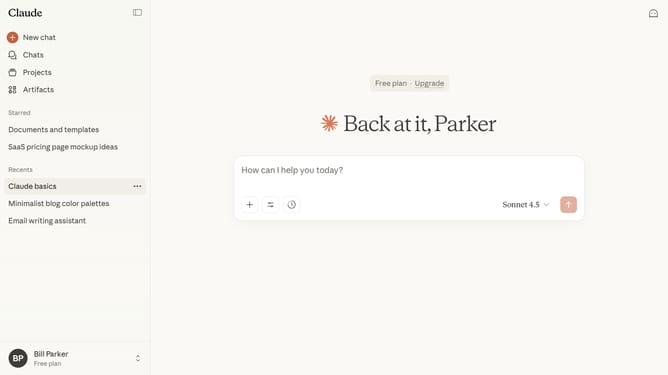
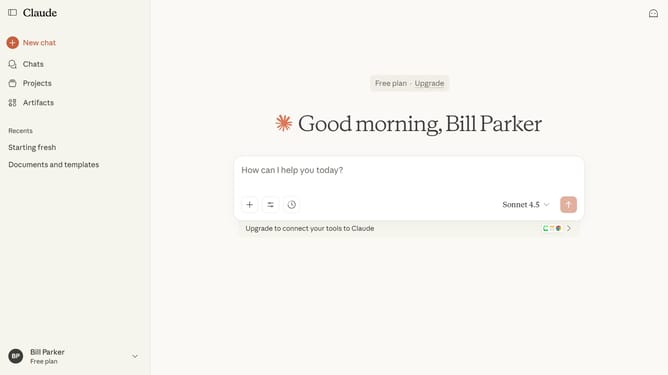
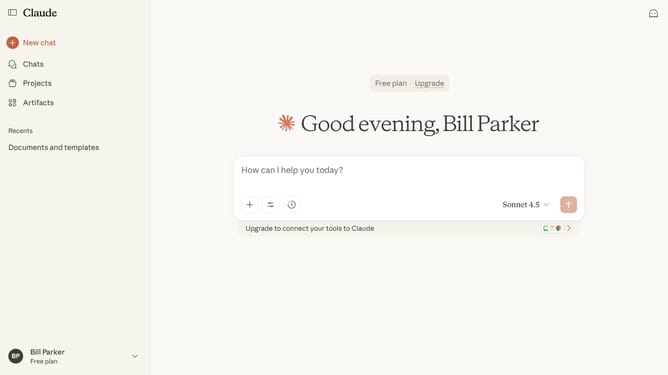
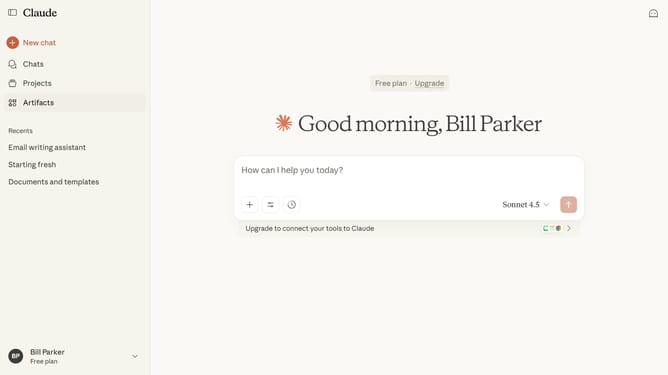
- First click on the "Artifacts" menu item in the left sidebar
- Next click on the "Your artifacts" tab in the main content area
- Click on the published Artifact you want to preview
- Then click on the "Published" button in the top right header area
- Finally click on the published artifact URL link in the modal dialog
- Claude will display a live rendering of the Artifact so you can see how it looks and functions
Why should you preview a published artifact in Claude.ai
Claude.ai is designed to optimize digital workflows with intelligent data management.
The preview feature for published artifacts in Claude.ai is a handy tool that streamlines content verification. By offering a real-time glimpse into how your published content appears, it ensures accuracy and alignment with your objectives.
Utilizing this feature enhances your workflow by catching potential errors before finalizing your content. This not only saves time but boosts confidence in your published work, providing peace of mind and increased efficiency.
Last update