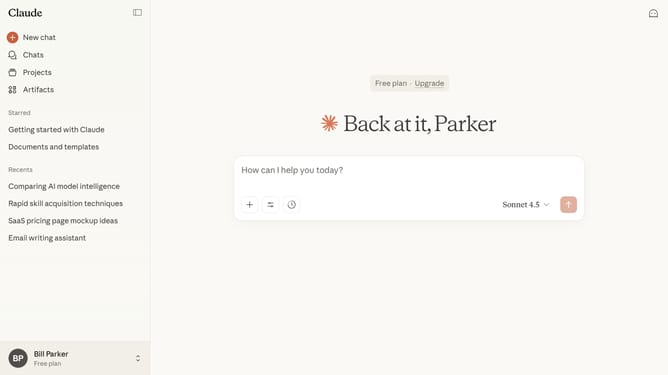
How to rename a chat in Claude.ai
Here is how to rename a chat in claude.ai
- First open the chat you want to rename
- Next click the dropdown menu at the top of the chat
- Click on the "Rename" option from the dropdown menu
- Then enter the new chat name in the text field of the rename dialog
- Finally click on the "Save" button to confirm the chat rename
Why should you rename a chat in Claude.ai
Claude.ai is an advanced language model designed to assist and enhance communication.
Renaming a chat in Claude.ai is a simple yet powerful feature that organizes your conversations with clarity.
This functionality allows users to easily categorize and retrieve past discussions, boosting efficiency and productivity.
Overall, renaming chats enables streamlined interaction, helps maintain focus, and supports seamless project management.
Last update