How to start an incognito chat in Claude.ai
Here is how to start an incognito chat in claude.ai
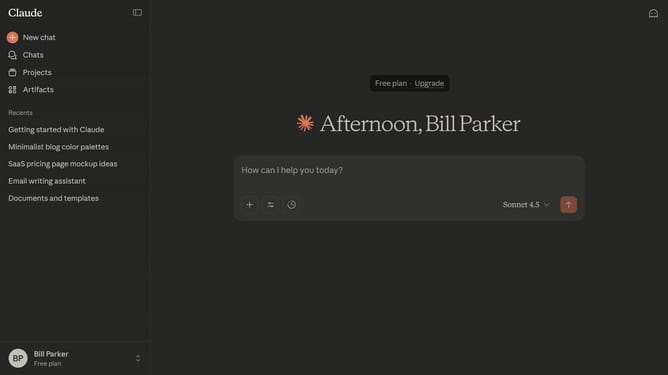
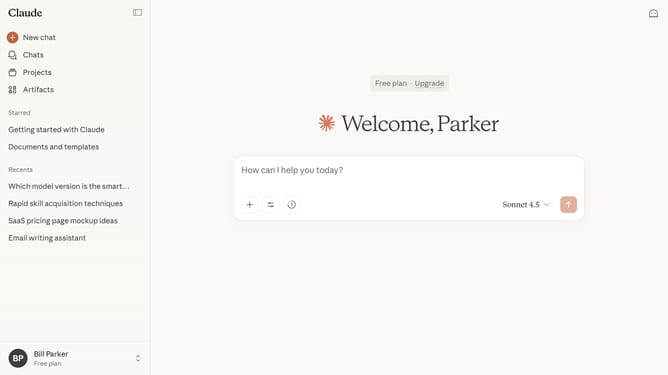
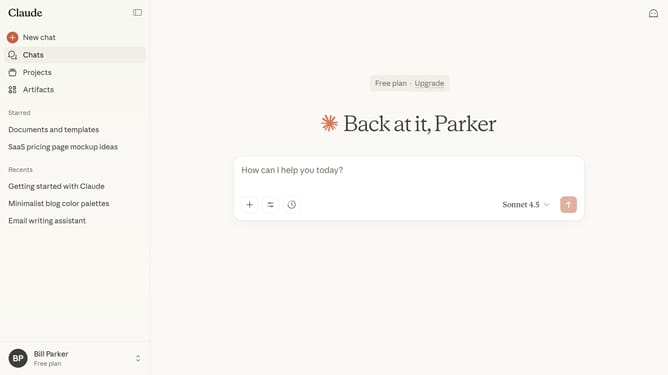
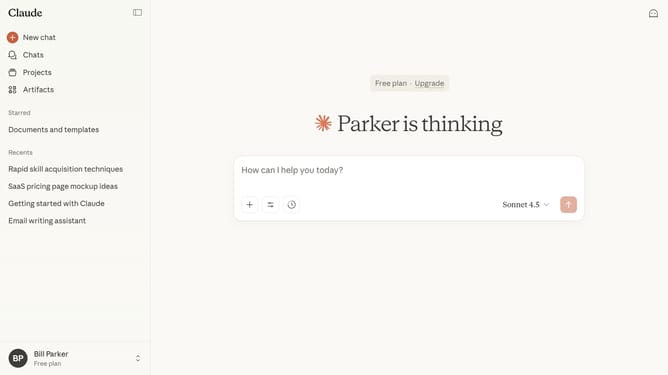
- First start a new chat by clicking on the "New chat" button in the left sidebar
- Then click on the ghost icon in the top right corner of the header
- The Incognito chat window opens in fullscreen mode, where your conversation history is not saved
Why should you start an incognito chat in Claude.ai
Claude.ai serves as a sophisticated conversational AI, designed to enhance user experiences through seamless interactions.
The incognito chat feature in Claude.ai offers users unparalleled privacy and discretion, allowing them to explore and engage freely without leaving a digital footprint.
This option is particularly beneficial for those who value confidentiality, ensuring their conversations remain personal and protected.
By providing a secure space for dialogue, Claude.ai empowers users to communicate authentically, fostering a sense of trust and comfort.
Last update