How to exit incognito mode in Claude.ai
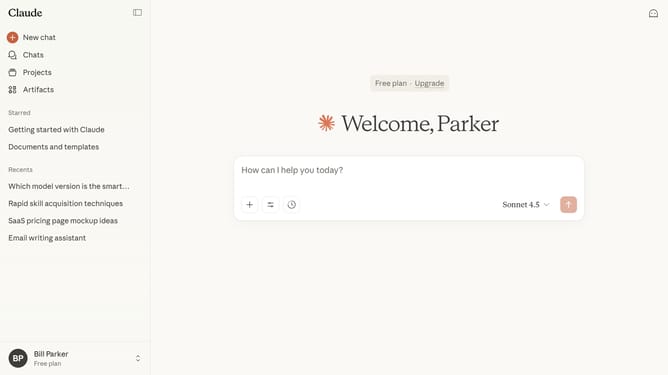
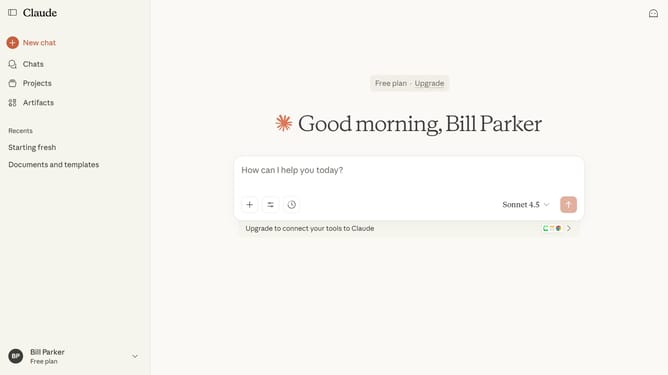
Here is how to exit incognito mode in claude.ai
- In incognito, you can have private chats where conversation history is not saved
- To exit the incognito mode, click on the close button in the top-right corner
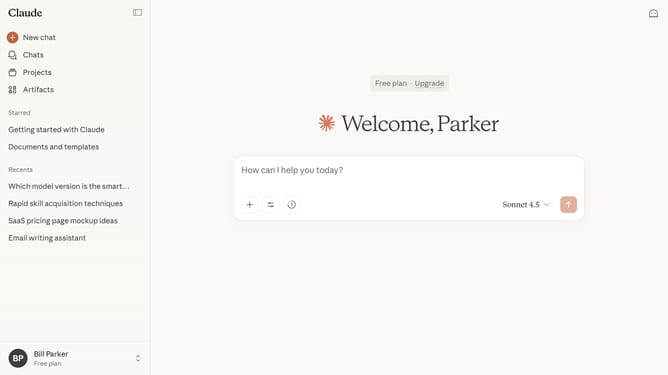
- Finally you will return to your regular chat session
Why should you exit incognito mode in Claude.ai
Claude.ai is an innovative platform designed to enhance your online interactions with intelligent, privacy-focused tools.
Exiting incognito mode in Claude.ai is a seamless feature that ensures your transition back to regular browsing is simple and efficient.
Using incognito mode is ideal for maintaining privacy during specific sessions, and knowing how to exit it ensures flexibility in toggling between confidential and standard browsing.
This feature supports a dynamic browsing experience by allowing users to manage their privacy preferences with ease.
Last update