How to select the formal preset style in a chat in Claude.ai
Here is how to select the formal preset style in a chat in claude.ai
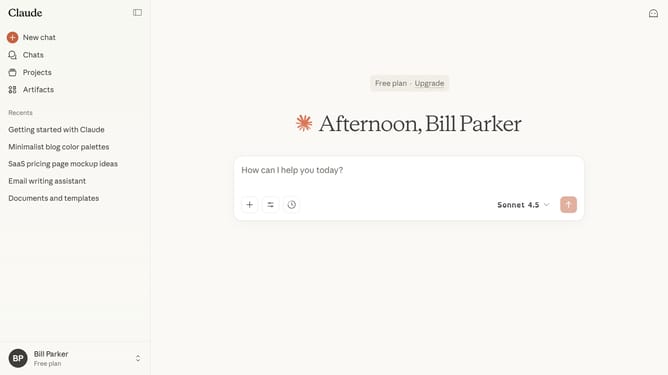
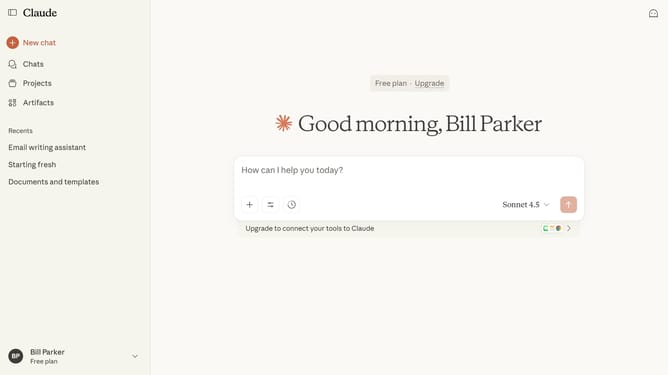
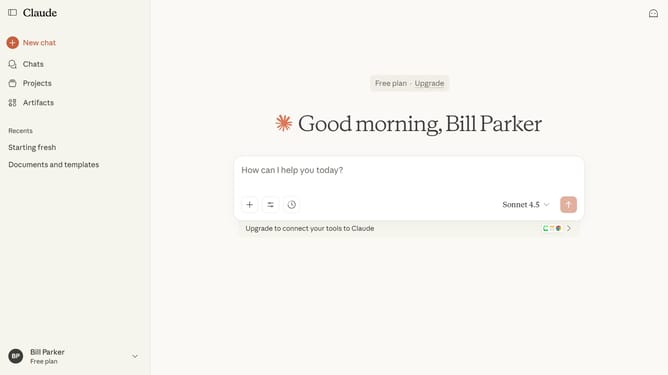
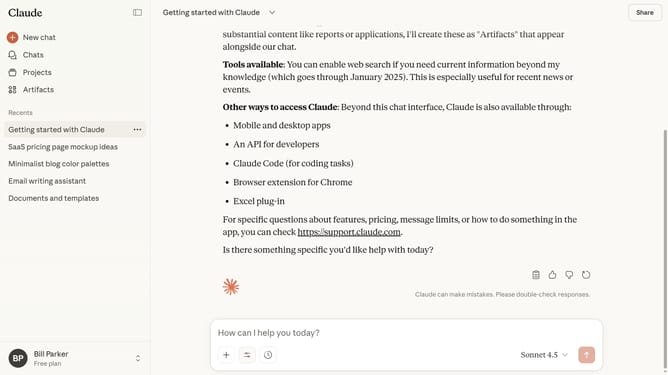
- First start a new chat or open an existing chat
- Next click on the "Search and tools" button below the input field
- Click on the "Use style" option in the dropdown menu
- Then select the "Formal" style option from the style menu
- You can now type your prompt or question, and Claude will respond with clear, polished answers
Why should you select the formal preset style in a chat in Claude.ai
Claude.ai is a sophisticated AI-driven platform designed to enhance communication and productivity through intelligent chat interactions.
Selecting the formal preset style in a chat with Claude.ai allows users to maintain a professional tone in their conversations. This feature is particularly useful when engaging with colleagues, clients, or other formal settings where clarity and respect are paramount.
By opting for the formal preset, users can ensure that their messages are perceived as courteous and polished, promoting a professional image and building trust in their communication.
Last update