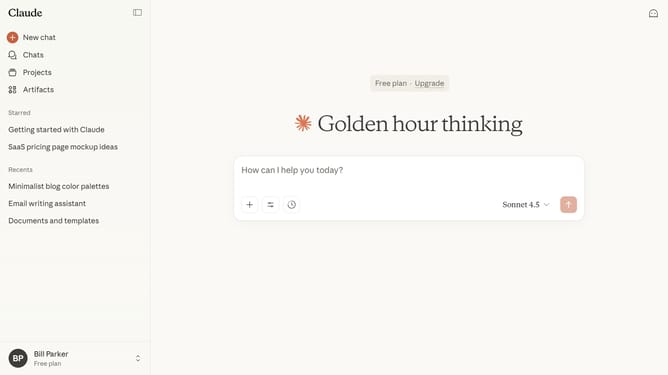
How to export chats for a custom date range in Claude.ai
Here is how to export chats for a custom date range in claude.ai
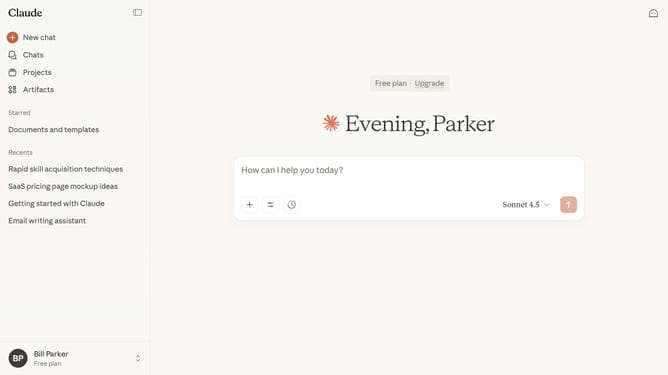
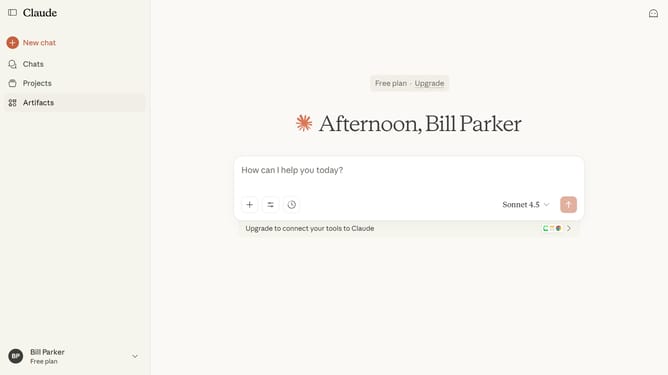
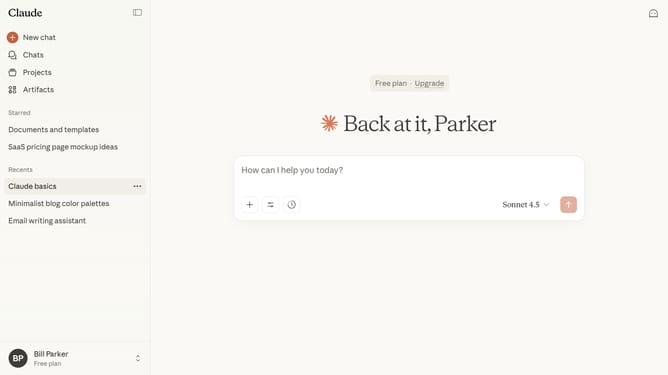
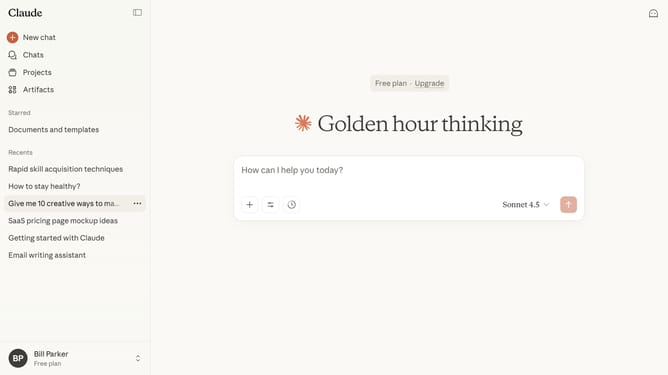
- First click on the user profile section in the bottom left sidebar to open the account menu
- Next click on "Settings" option in the account menu
- Click on "Privacy" tab in the left settings menu
- Then click on "Export data" button in the Privacy settings section
- In the Export data dialog, click on "Custom" option
- Choose the start and end dates for the range you want to export
- After setting the date range, click on the "Export" button to initiate the data export
- You’ll receive a download link to your email once your export is ready
Why should you export chats for a custom date range in Claude.ai
Claude is an advanced AI tool designed to enhance productivity by streamlining communication and collaboration.
The feature to export chats for a custom date range in Claude.ai simplifies data management by allowing users to focus on specific conversations within a desired timeframe.
This function is invaluable for users who need to review past interactions, ensuring they can easily retrieve and analyze critical information without wading through irrelevant data.
Ultimately, this feature boosts efficiency, helping users better organize and utilize their chat history.
Last update