How to upload a file in Claude.ai
Here is how to upload a file in claude.ai
- First go to the chat where you want to upload a file
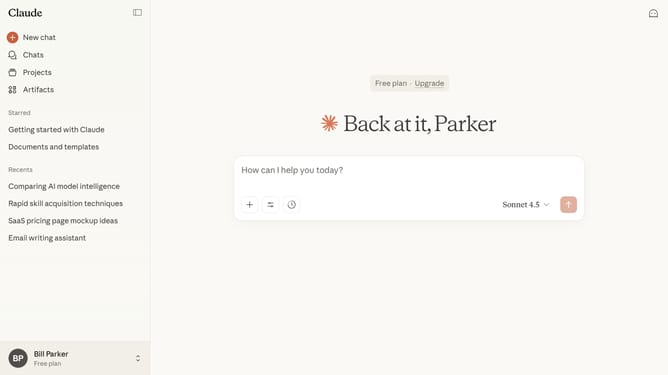
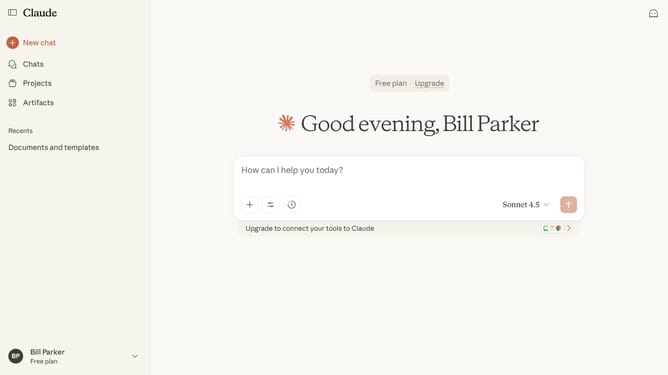
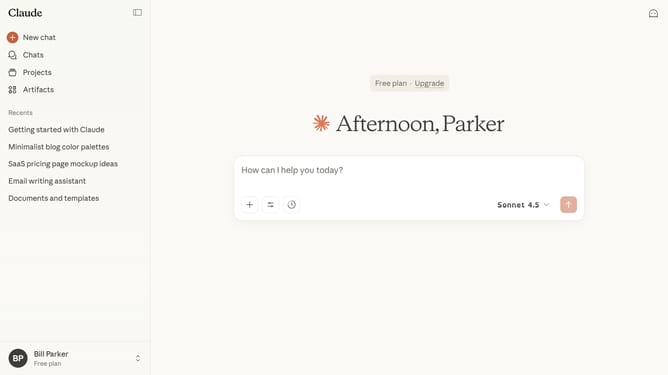
- Next click on the attachment button (plus icon) below the text input field
- Then select the "Upload a file" option and select files from your device
- Finally once uploaded, the file will appear below the text input field
- You can now start a chat or reference the file in your conversation
Why should you upload a file in Claude.ai
Claude.ai is an intuitive platform designed to enhance productivity through seamless AI integration.
One of its standout features is the ability to upload files directly, making data management effortless. This functionality promotes efficiency, allowing users to quickly integrate their existing documents into the system for processing and analysis.
Uploading files means leveraging Claude's AI capabilities to transform static data into actionable insights, fostering informed decision-making. Enjoy streamlined operations and maximize your workflow with Claude.ai’s user-friendly interface.
Last update