How to create a new artifact from scratch in Claude.ai
Here is how to create a new artifact from scratch in claude.ai
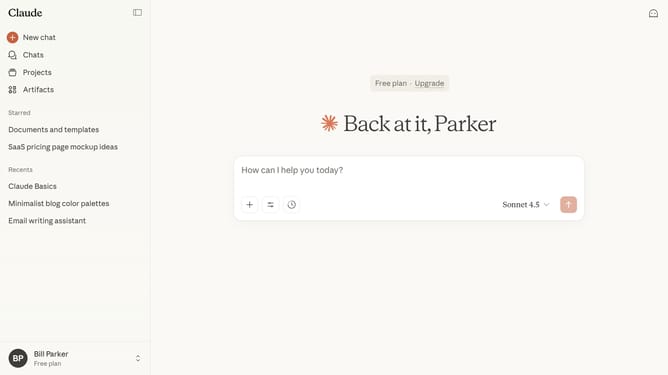
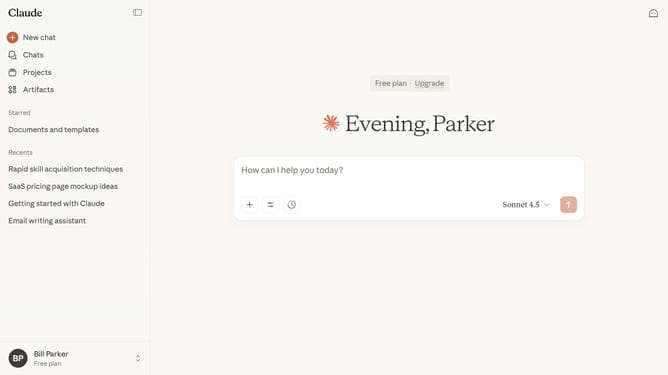
- Open a new conversation and type your prompt describing what you want Claude to generate
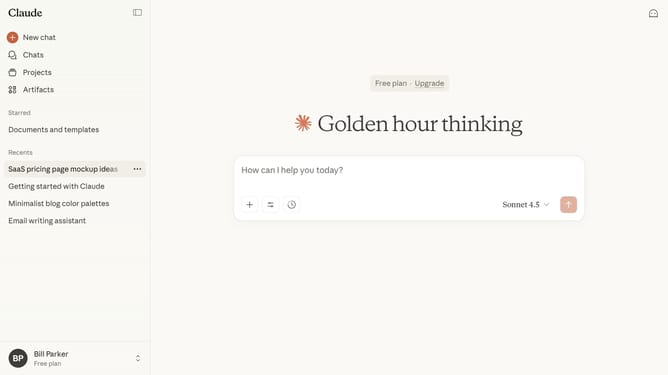
- Alternatively, click on the "Artifacts" menu item in the left sidebar
- Then click on the "New artifact" button in the top right area of the Artifacts page
- Click on the "Start from scratch" category card in the artifact creation dialog
- Then type the description in the reply input field at the bottom of the chat
- Next click the submit button to send the message and generate the artifact
- Your Artifact has been successfully created. Review and make any edits needed
Why should you create a new artifact from scratch in Claude.ai
Claude.ai is an innovative platform designed to empower users with enhanced AI-driven insights and creativity.
Creating a new artifact from scratch in Claude.ai unlocks the potential for tailored and original solutions. This feature offers a streamlined process that combines advanced AI capabilities with user input, ensuring unique results every time.
Utilizing this tool, users experience increased efficiency and improved precision, leading to impactful and personalized outputs that serve specific needs and goals. Embrace the future of creativity with Claude.ai's artifact creation feature.
Last update