How to rename a chat from the sidebar in Claude.ai
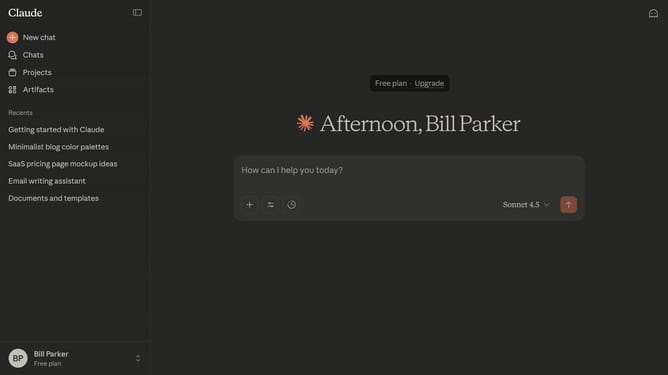
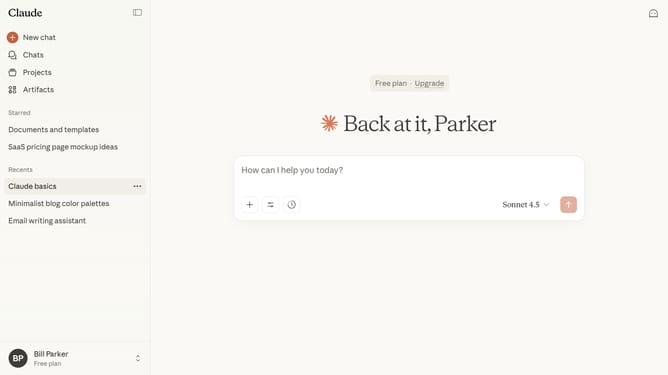
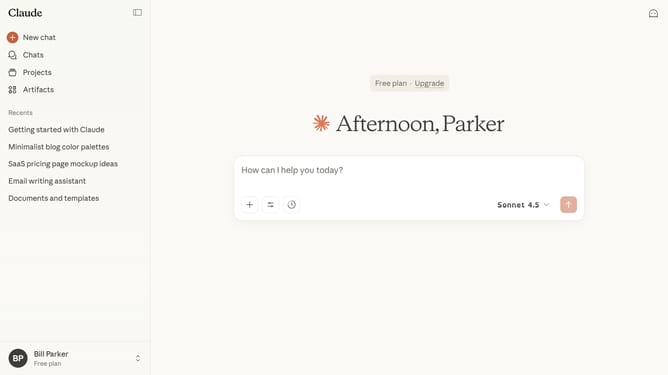
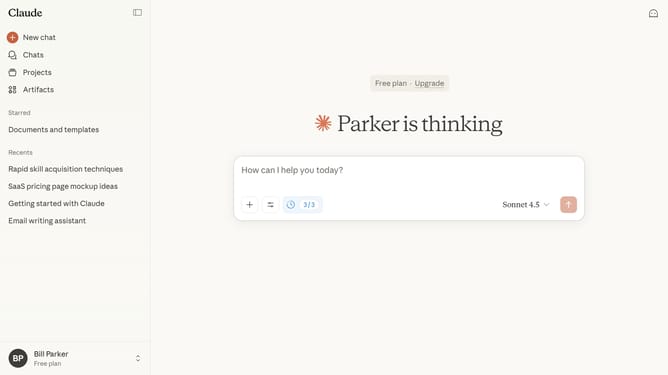
Here is how to rename a chat from the sidebar in claude.ai
- First locate the chat you want to rename in the left sidebar
- Hover and click on the three-dot menu button next to the chat name
- Next select the "Rename" option from the dropdown menu
- Then enter the new name for the chat in the "Rename chat" dialog box
- Finally click on the "Save" button to confirm the chat rename
Why should you rename a chat from the sidebar in Claude.ai
Claude.ai is a powerful AI assistant designed to enhance productivity through seamless interaction.
Renaming a chat from the sidebar in Claude.ai is a simple yet efficient feature that helps in organizing your conversations.
This tool allows users to quickly identify and access their desired discussions without confusion, thereby streamlining workflow.
By clearly labeling each chat, you ensure an intuitive and personalized workspace that caters to your unique needs, optimizing overall user experience.
Last update