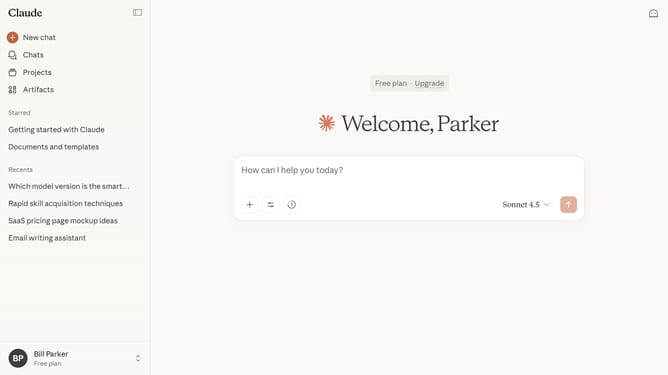
How to manage location metadata settings in Claude.ai
Here is how to manage location metadata settings in claude.ai
- First click on your profile in the bottom left sidebar
- Next click on the "Settings" option in the account menu
- Click on the "Privacy" tab in the settings sidebar
- Then locate the "Location metadata" option in the Privacy settings section
- Finally use the toggle to turn the feature on or off according to your preference
Why should you manage location metadata settings in Claude.ai
Claude is an intuitive AI platform designed to enhance your data management experience seamlessly.
Managing location metadata in Claude.ai empowers users to efficiently organize and analyze spatial information. This feature allows for precise categorization and retrieval of location-based data, ensuring optimal usage and insights.
By configuring location metadata settings, users can tailor data displays to specific needs, enhancing decision-making processes and operational efficiency.
The ability to adeptly handle metadata boosts data clarity and enhances strategic insights, making it an invaluable tool for data-driven environments.
Last update