How to manage notifications for completed responses in Claude.ai
Here is how to manage notifications for completed responses in claude.ai
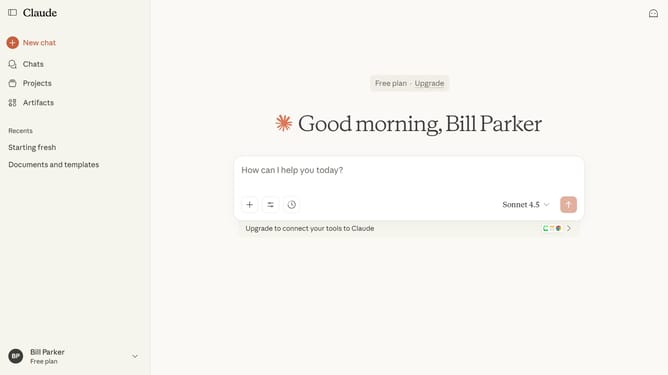
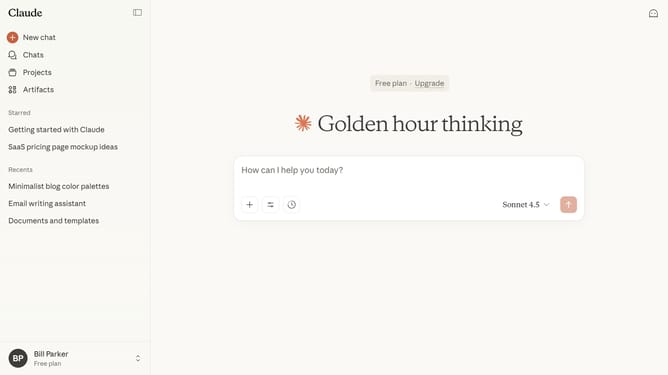
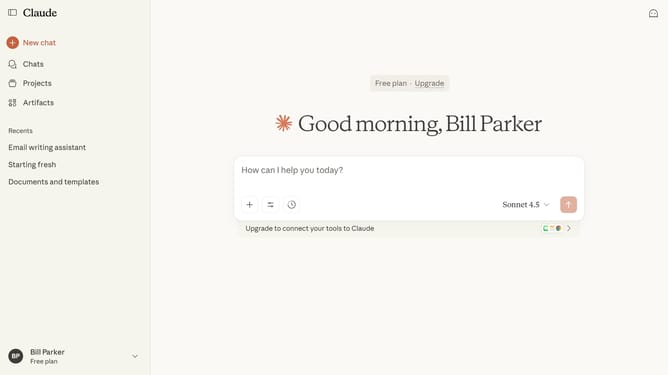
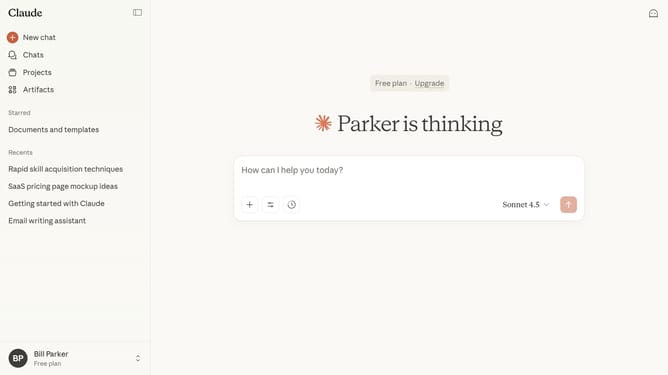
- First click on the user profile section in the bottom left corner of the sidebar
- Next click on the "Settings" option in the expanded user menu
- Navigate to the "General" tab
- Then scroll down to the "Notifications" section
- Toggle the switch on to enable or off to disable notifications based on your preferences
Why should you manage notifications for completed responses in Claude.ai
Claude.ai is an innovative AI platform designed to streamline your workflow by delivering insightful responses efficiently.
Managing notifications for completed responses in Claude.ai ensures you stay informed without interruptions, letting you focus on critical tasks.
This feature allows you to customize how and when you receive notifications, offering a personalized experience tailored to your specific needs.
By effectively managing notifications, you enhance your productivity and maintain a smooth operation of your daily activities, optimizing your interactions with the AI.
Last update