How to share an artifact publicly in Claude.ai
Here is how to share an artifact publicly in claude.ai
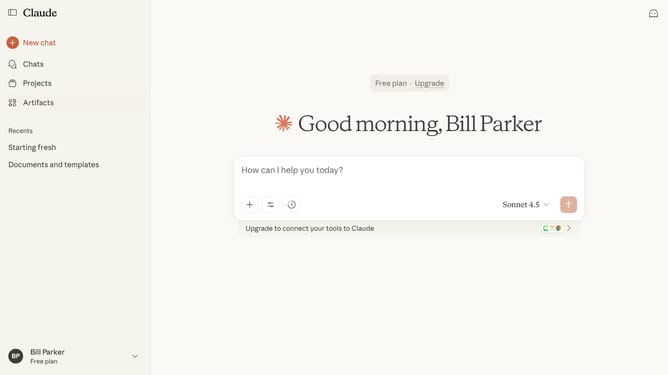
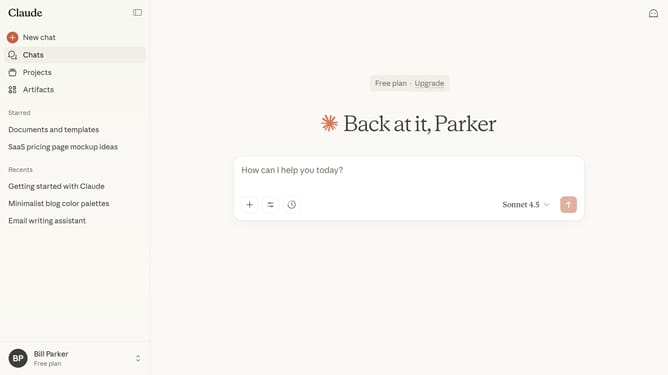
- First click on the "Artifacts" menu item in the left sidebar
- Next click on the "Your artifacts" tab in the main content area
- From the list, click on the Artifact you want to share
- Close the Artifact panel by clicking the "X" button in the top header
- Then click on the "Share" button in the top right corner of the page
- Finally click on the "Create share link" button in the share dialog modal
- The Artifact is now publicly accessible. You can copy and share the link
Why should you share an artifact publicly in Claude.ai
Claude is an intuitive AI platform designed to enhance collaboration and streamline project management.
The public sharing feature in Claude.ai empowers users to share artifacts with ease and transparency. This capability fosters seamless collaboration, allowing team members and external stakeholders to access key documents and insights.
By sharing artifacts publicly, you not only improve communication but also boost productivity and ensure everyone is aligned with the latest project developments, making teamwork more effective and rewarding.
Last update