How to browse artifacts by category in Claude.ai
Here is how to browse artifacts by category in claude.ai
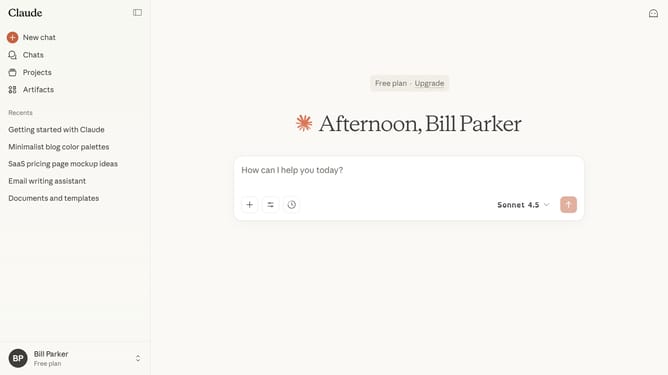
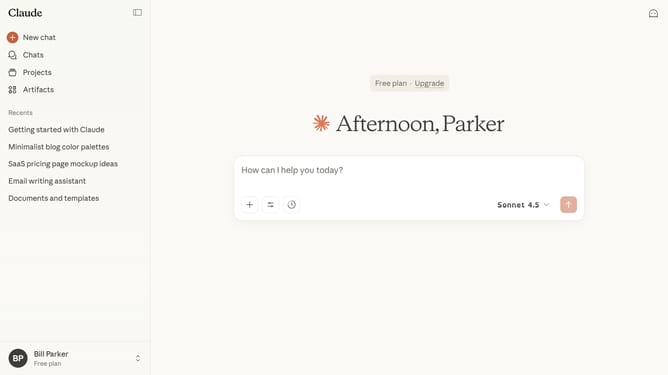
- First click on "Artifacts" in the left sidebar
- Next click on the "Inspiration" tab in the top navigation bar
- Then click the category you want to browse in the category menu
- Claude will instantly display all Artifacts in that selected category. You can scroll through the filtered list to explore
Why should you browse artifacts by category in Claude.ai
Claude.ai is a cutting-edge platform designed to optimize knowledge management and enhance discovery.
Browsing artifacts by category in Claude.ai allows users to streamline their search process, easily finding relevant information. This feature organizes content into intuitive categories, making navigation more efficient.
By categorizing artifacts, users can quickly access the data they need, fostering informed decision-making and enhancing productivity. It elevates the user experience by saving time and simplifying information retrieval.
Last update