How to edit a project description in Claude.ai
Here is how to edit a project description in claude.ai
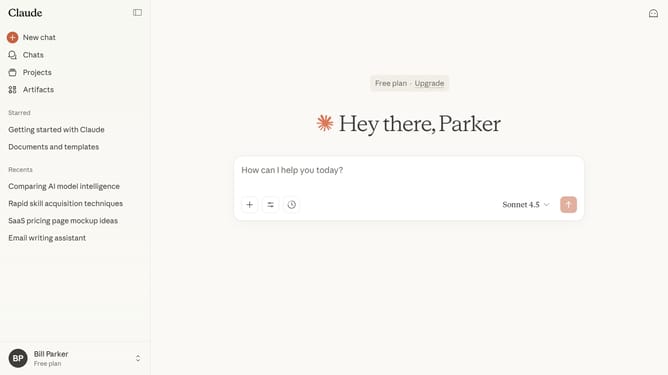
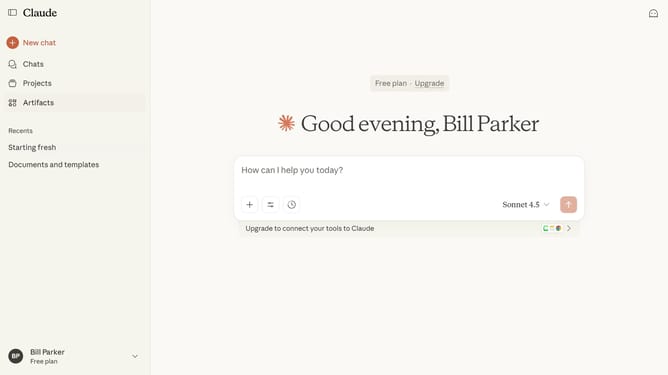
- First click on the "Projects" menu item in the left sidebar
- Click on the project you want to edit to open it
- Next click on the three-dot menu button in the project header
- Click on the "Edit details" option from the dropdown menu
- Then make your changes in the "Edit details" dialog (Name, description)
- Finally click on the "Save" button to save the changes
Why should you edit a project description in Claude.ai
Claude.ai is an intuitive platform designed to streamline project management through AI-driven solutions.
Editing a project description in Claude.ai is a seamless process that enhances clarity and ensures all team members are aligned. Updating descriptions facilitates quick communication of project changes or developments.
This feature is beneficial as it allows for real-time adjustments, ensuring all stakeholders have the latest information. The ability to edit project descriptions helps maintain consistency and drive project success more efficiently.
Last update