How to log out of all active sessions in Claude.ai
Here is how to log out of all active sessions in claude.ai
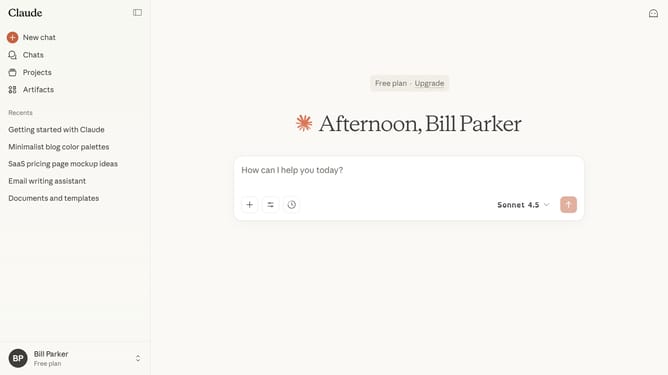
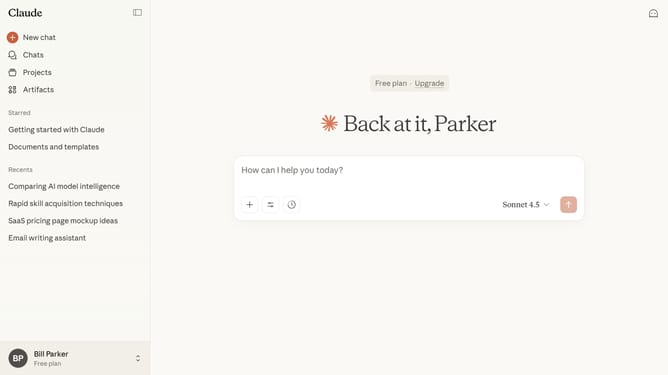
- First click on your profile button in the bottom left sidebar
- Next click on the "Settings" option in the user menu
- Click on the "Account" tab in the settings sidebar
- Then click on the "Log out" button in the account settings section
- Finally click on the "Log out of all devices" button in the confirmation dialog
- You will be immediately signed out of your account on all devices where you were previously logged in
Why should you log out of all active sessions in Claude.ai
Claude.ai is an advanced AI tool designed to enhance productivity through seamless interactions and data management.
The "log out of all active sessions" feature in Claude.ai safeguards your security by ensuring that all your logged-in sessions are closed at once. This feature is particularly beneficial for those concerned about unauthorized access or when switching devices.
Using this feature not only protects sensitive information but also provides peace of mind, knowing your sessions are entirely secure and controlled.
Last update