How to add a chat to a project from the sidebar in Claude.ai
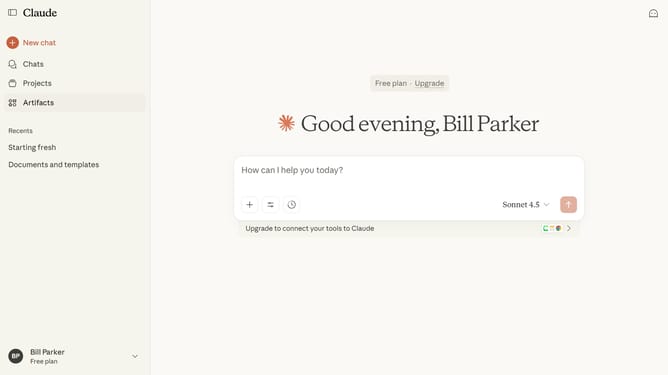
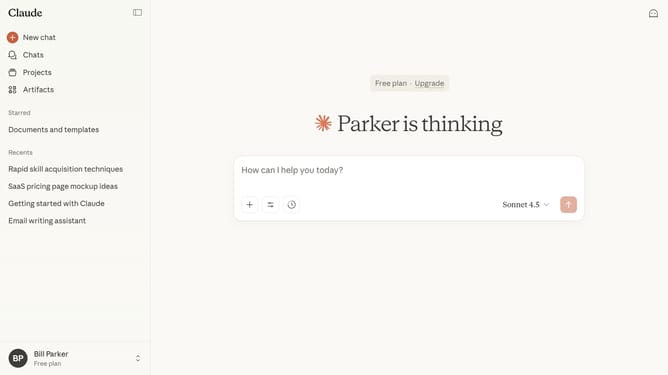
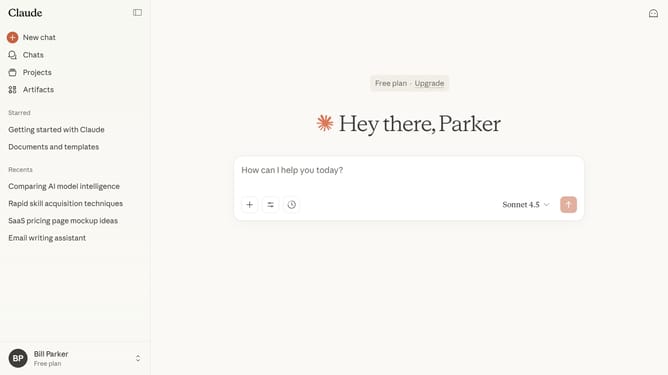
Here is how to add a chat to a project from the sidebar in claude.ai
- First locate the chat you want to add to a project in the sidebar
- Hover and click on the three-dot menu button next to the chat name
- Then click on the "Add to project" option in the context menu
- Finally select the project you want to add the chat to from the list that appears
Why should you add a chat to a project from the sidebar in Claude.ai
Claude.ai is an innovative digital platform designed to streamline project management through intelligent features.
One standout feature in Claude.ai is the ability to seamlessly add a chat to a project from the sidebar. This enhances collaborative efforts, enabling team members to communicate effectively without leaving their core workspace.
Using this feature not only boosts productivity but also ensures all communication is centralized, reducing misunderstandings and fostering a more cohesive team environment.
Last update