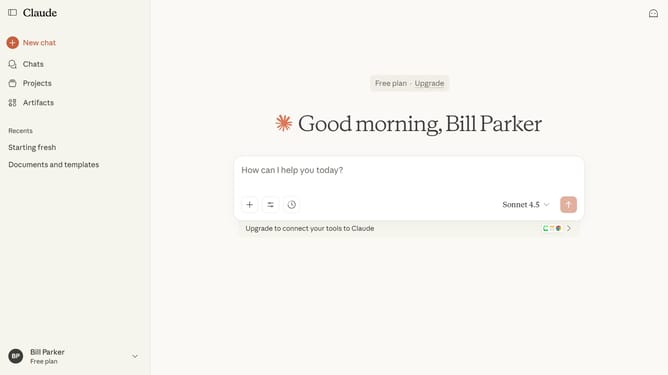
How to use a custom style in a chat in Claude.ai
Here is how to use a custom style in a chat in claude.ai
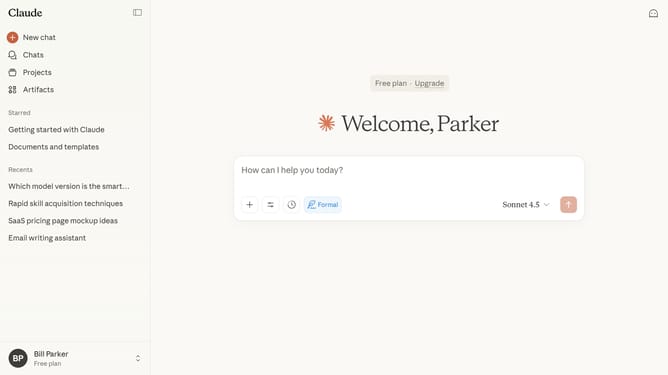
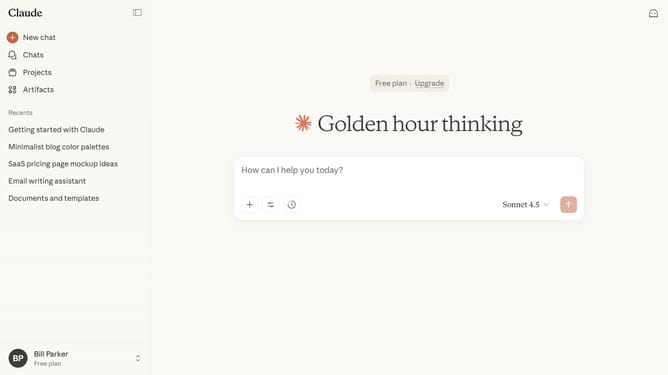
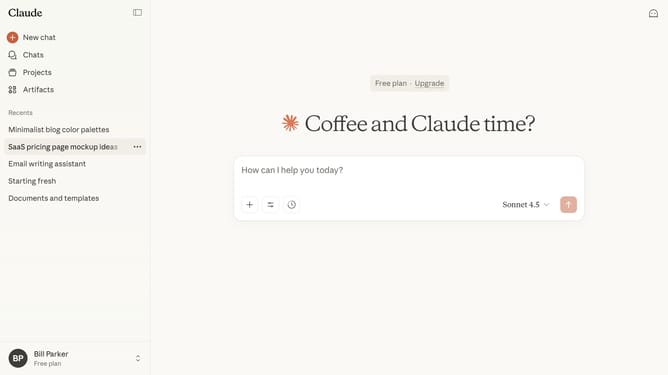
- First start a new chat or open an existing chat
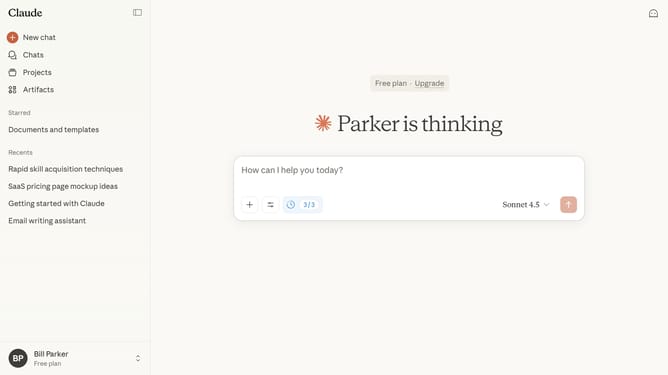
- Next click on the "Search and tools" button below the input field
- Click on the "Use style" option in the dropdown menu that appears
- Then select the custom style you want to use from the style options menu
- Type your prompt, and Claude will respond following the selected custom style
Why should you use a custom style in a chat in Claude.ai
Claude.ai is an innovative platform designed to enhance conversational experiences through the power of AI.
One standout feature is the ability to use custom styles in chat, allowing users to tailor interactions to better fit their unique needs and preferences.
By utilizing custom styles, users can foster more engaging and effective dialogues, creating a personalized environment that mirrors their communication style.
This adaptability not only enriches the chat experience but also aids in maintaining a consistent brand voice in professional settings.
Last update