How to move a chat into a project in Claude.ai
Here is how to move a chat into a project in claude.ai
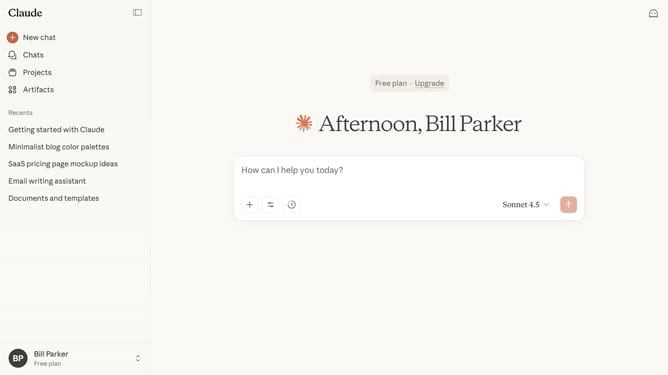
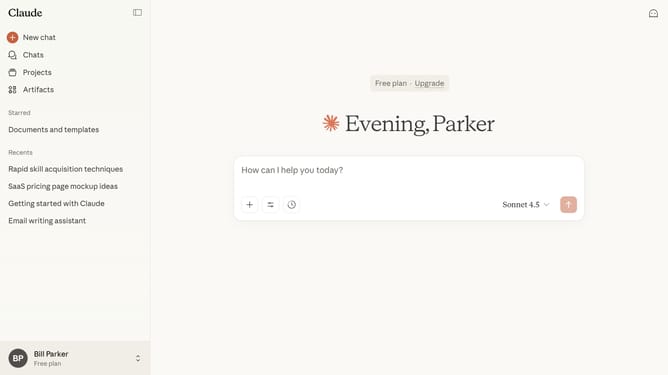
- First locate and click on the chat you want to move
- Next click on the dropdown arrow next to the chat name
- Then click on the "Add to project" option in the dropdown menu
- Finally select the project you want to move the chat into in the Move chat dialog
Why should you move a chat into a project in Claude.ai
Claude.ai is an innovative platform designed to enhance productivity and streamline collaborative efforts.
One standout feature is its ability to seamlessly move a chat into a project. This function consolidates vital discussions, ensuring that all team members have access to essential insights and decisions in one organized space.
Utilizing this feature allows users to keep their projects well-informed, cohesive, and ensures that nothing important slips through the cracks. It is an invaluable asset for maintaining clarity and focus in collaborative environments.
Last update