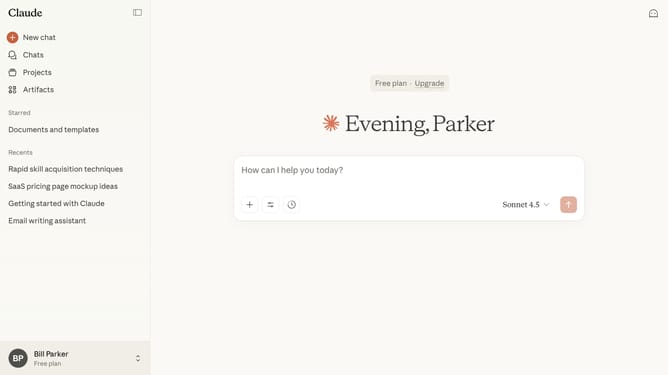
How to use incognito mode in Claude.ai
Here is how to use incognito mode in claude.ai
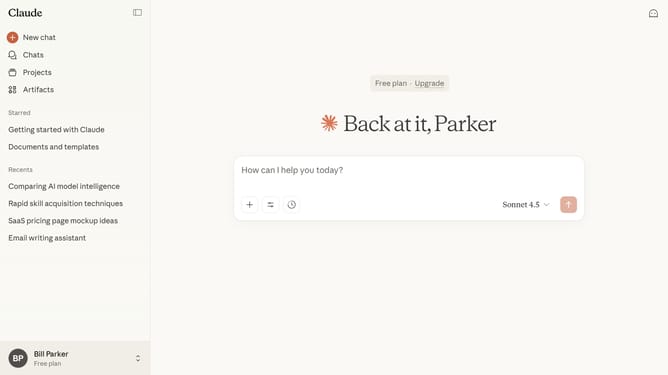
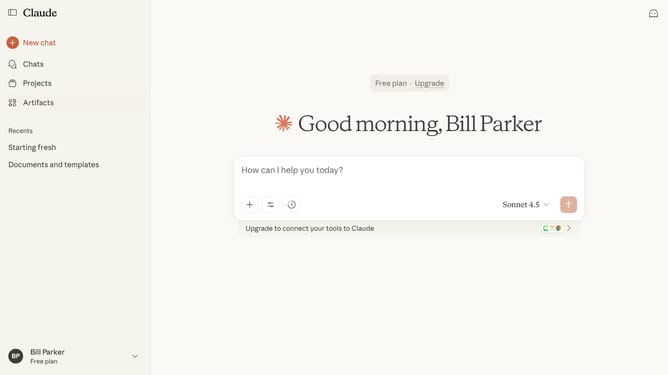
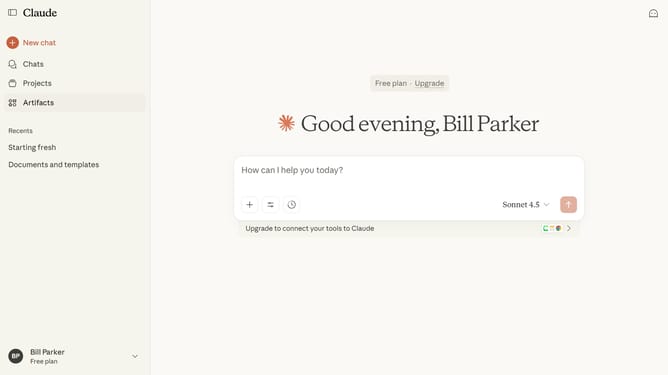
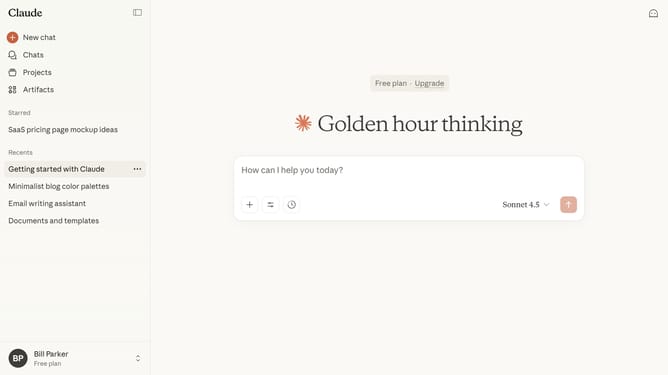
- First start a new chat by clicking on the "New chat" button in the left sidebar
- Then click on the ghost icon in the top right corner of the header
- The Incognito chat window opens in fullscreen mode, where your conversation history is not saved
Why should you use incognito mode in Claude.ai
Claude is a cutting-edge AI designed to enhance your digital interactions with efficiency and intelligence.
Using incognito mode in Claude.ai offers a seamless way to maintain your privacy while leveraging its powerful capabilities. By activating this feature, you ensure that your interactions remain discreet, giving you peace of mind as you explore and innovate.
This mode is particularly beneficial when handling sensitive data or conducting private research, as it keeps your information confidential and enhances your overall user experience.
Last update