How to publish an artifact in Claude.ai
Here is how to publish an artifact in claude.ai
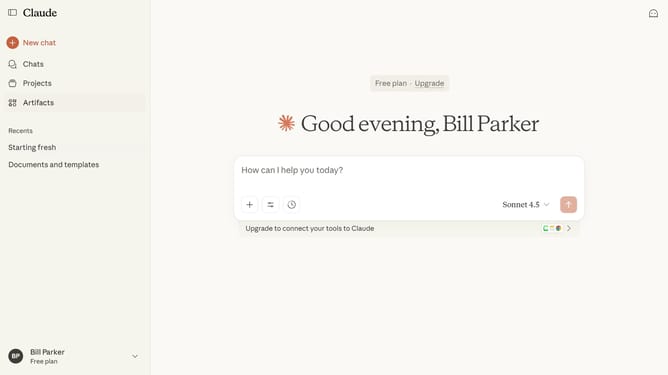
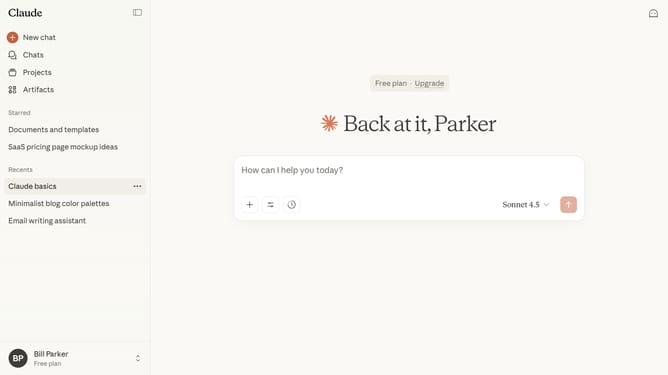
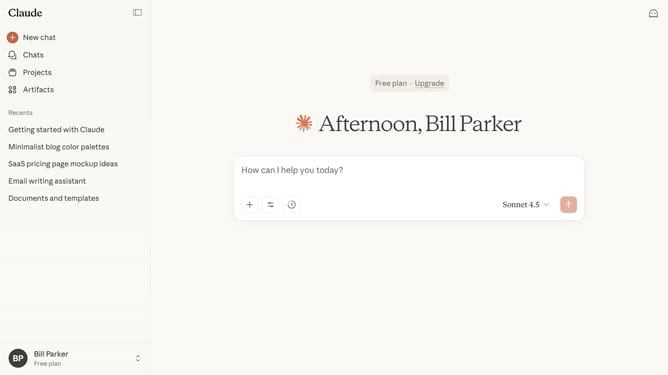
- First click on "Artifacts" in the left sidebar navigation menu
- Next click on "Your artifacts" tab in the top navigation bar
- Click on the Artifact you want to publish from the list
- Then click on the "Publish" button in the top right corner of the header
- Finally click on the "Publish & copy link" button in the publish dialog modal
- Your Artifact is now publicly accessible and shareable
Why should you publish an artifact in Claude.ai
Claude.ai is an innovative platform designed to streamline the creation and management of digital artifacts.
Publishing an artifact in Claude.ai is seamless and efficient, allowing users to share their digital creations swiftly. The feature is designed for ease, ensuring that both novices and experts can showcase their work without hurdles.
Using Claude.ai for publishing artifacts provides a platform that encourages collaboration and boosts visibility, turning complex sharing processes into simple steps and enhancing project engagement.
Last update