How to delete a project from the projects page in Claude.ai
Here is how to delete a project from the projects page in claude.ai
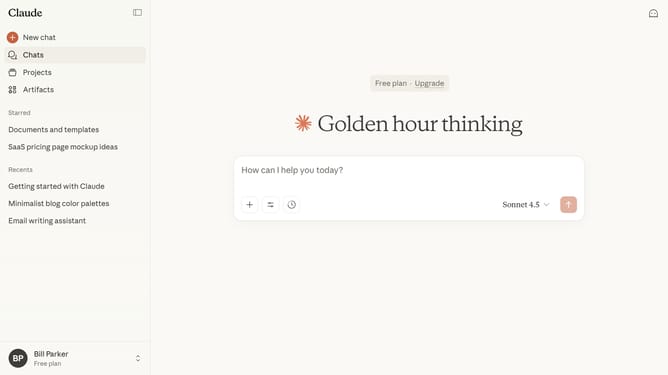
- First click on the "Projects" menu item in the left sidebar
- Next find the project you want to delete on the projects page
- Hover over it and click on the three-dot menu button in the top right corner
- Then select the "Delete" option from the dropdown menu
- Finally click the "Delete" button in the confirmation dialog to confirm project deletion
- The project will now be permanently removed from your account
Why should you delete a project from the projects page in Claude.ai
Claude.ai is an innovative platform designed to streamline project management through intuitive features and agile solutions.
One of its standout functionalities is the ability to swiftly delete projects directly from the projects page. This feature caters to users by ensuring that they can efficiently manage project lists and discard obsolete or unwanted projects with ease.
By simplifying the deletion process, Claude.ai helps users maintain a clutter-free workspace, enhancing focus and productivity. This aligns with the platform's objective of promoting seamless project handling and optimal organization.
Last update