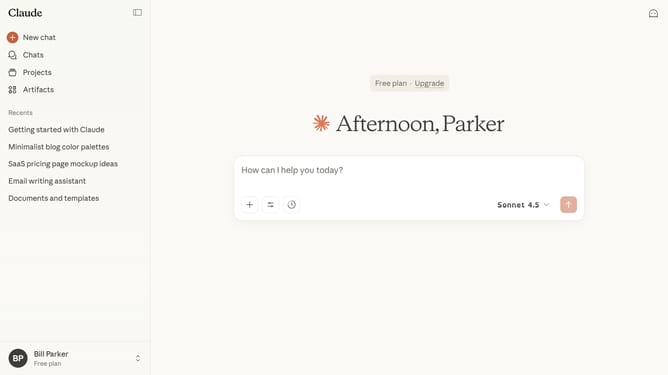
How to sort projects by activity in Claude.ai
Here is how to sort projects by activity in claude.ai
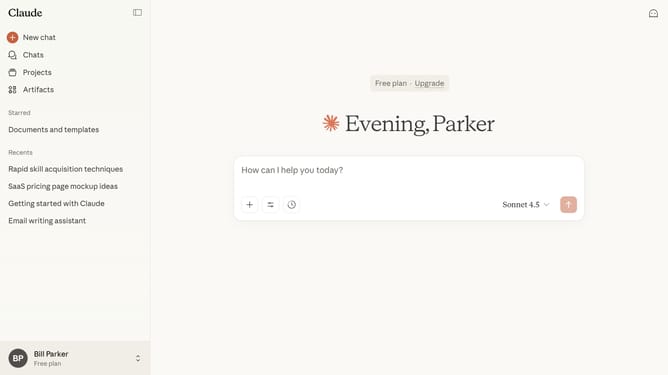
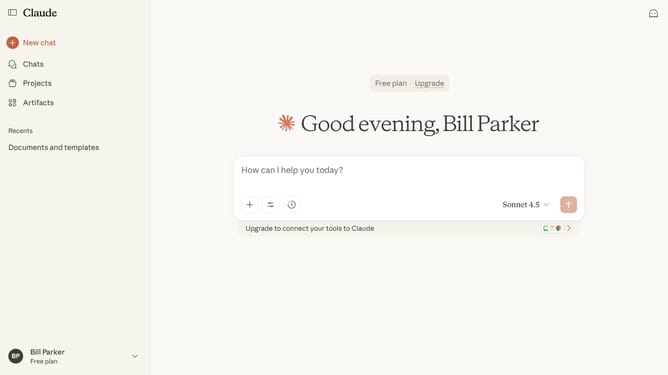
- First click on "Projects" in the sidebar navigation menu
- Next click on the "Sort by" dropdown button
- Then select "Recent activity" from the sort options dropdown menu
Why should you sort projects by activity in Claude.ai
Claude.ai is a cutting-edge platform designed to streamline project management with intelligent features.
Among its many capabilities, the ability to sort projects by activity is a standout feature that enhances productivity.
By organizing projects based on recent activity, users can quickly identify and prioritize tasks, making it easier to focus on what's most important.
This feature ensures increased efficiency, helping teams stay on track and meet their goals effectively.
Last update