How to upload images to Claude.ai
Here is how to upload images to claude.ai
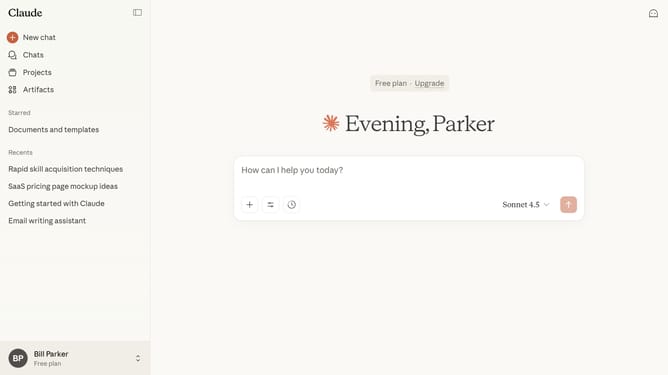
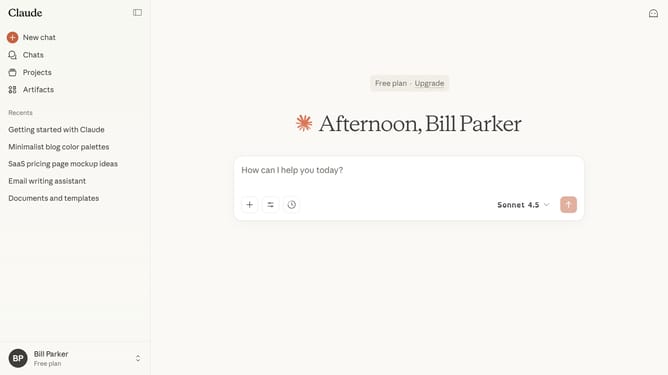
- First go to the chat where you want to upload images
- Next click on the attachment button (plus icon) below the text input field
- Then click on "Upload a file" from the attachment menu and select images from your device
- Finally once uploaded, the image will appear below the text input field
- You can now start a chat or reference the image in your conversation
Why should you upload images to Claude.ai
Claude.ai is an intuitive platform designed to streamline your digital workflow and enhance productivity through advanced AI capabilities.
A standout feature is its effortless image upload function. By enabling users to upload images seamlessly, Claude.ai simplifies the integration of visual content into projects.
This feature not only saves time but also enriches data inputs, making your work more dynamic and visually engaging. Users can harness visual data more effectively, fostering greater creativity and insight.
Last update