How to set the name Claude uses for you in Claude.ai
Here is how to set the name claude uses for you in claude.ai
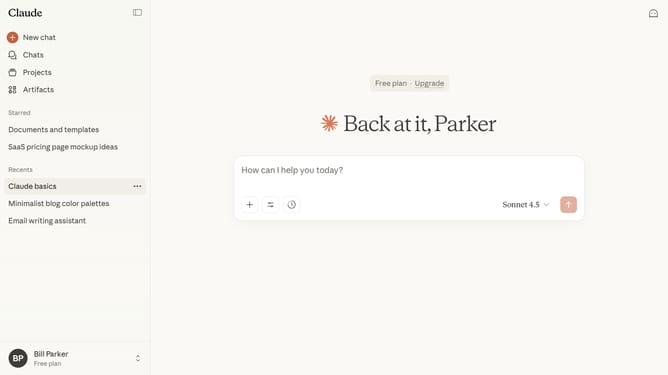
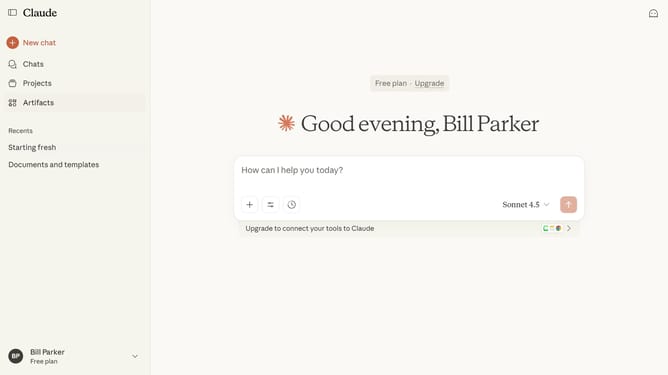
- First click on the user profile section in the bottom left corner of the sidebar
- Next click on the "Settings" option in the user menu
- Navigate to the "General" tab
- Locate the "What should Claude call you?" text field in the Profile section
- Then click the field and enter the name you want Claude to use
- Finally click on the "Save changes" button to confirm the modifications
Why should you set the name Claude uses for you in Claude.ai
Claude is a sophisticated AI designed to enhance interactive communication.
Setting the name Claude uses for you in Claude.ai creates a more personalized user experience. This feature enriches interaction by adding a touch of familiarity and connection, making conversations feel more natural and engaging.
Utilizing this feature can increase your comfort and enjoyment, fostering a more relatable and human-like dialogue that reflects your identity.
When Claude refers to you by your chosen name, it transforms interactions into more meaningful exchanges.
Last update