How to select the concise preset style in a chat in Claude.ai
Here is how to select the concise preset style in a chat in claude.ai
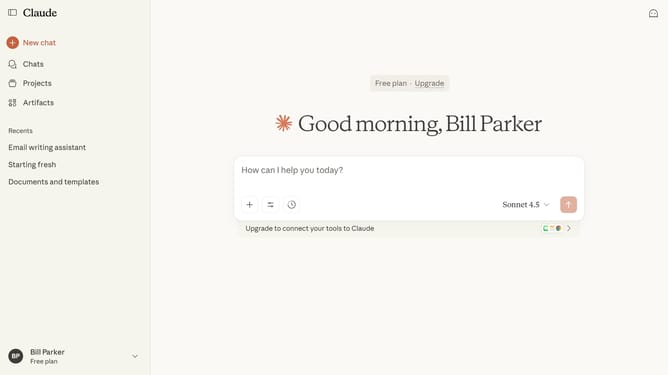
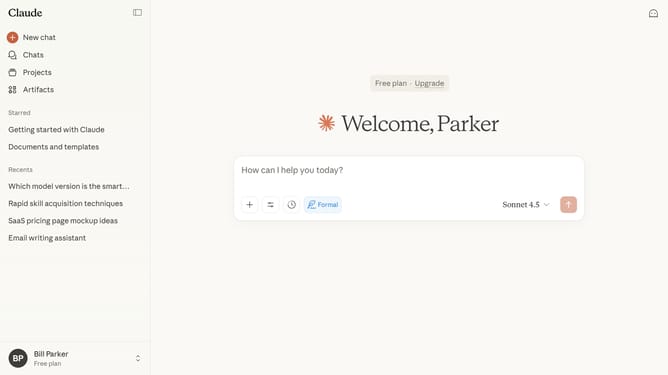
- First start a new chat or open an existing chat
- Next click on the "Search and tools" button below the input field
- Click on the "Use style" option in the dropdown menu
- Then select "Concise" style from the style options menu
- You can now type your prompt, and Claude will respond with short, direct answers
Why should you select the concise preset style in a chat in Claude.ai
Claude.ai is a cutting-edge AI tool designed to streamline your digital communication.
One of its standout features is the ability to select a concise preset style in its chat function. This option allows users to communicate their ideas effectively without unnecessary verbosity, streamlining your conversations with precision.
Using the concise preset style ensures that messages remain focused and clear, saving time and preventing misunderstandings. Whether collaborating with colleagues or responding to queries, this feature enhances productivity by delivering succinct and impactful communication.
Last update