How to turn off incognito mode in Claude.ai
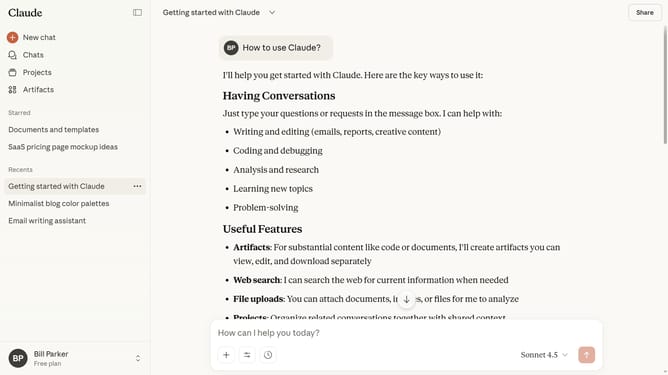
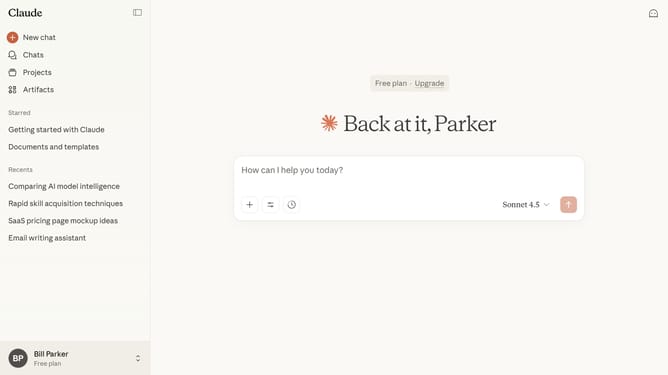
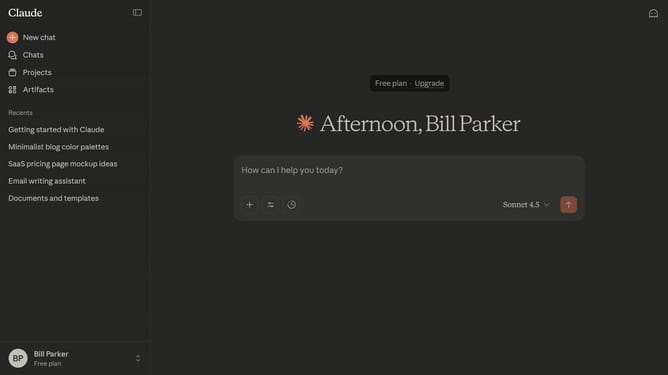
Here is how to turn off incognito mode in claude.ai
- In incognito, you can have private chats where conversation history is not saved
- To turn it off, click on the close button in the top-right corner
- Then you will return to your regular chat session
Why should you turn off incognito mode in Claude.ai
Claude.ai is an innovative platform designed to enhance user experience through AI-powered solutions.
Turning off incognito mode in Claude.ai can facilitate a more personalized interaction, allowing the platform to tailor features according to your unique preferences.
This feature ensures that your engagement with Claude.ai is enriched by remembering past sessions, which can be especially beneficial in collaborative or continuous projects.
By disabling incognito mode, users can enjoy a seamless, integrated experience while maintaining control over privacy preferences.
Last update