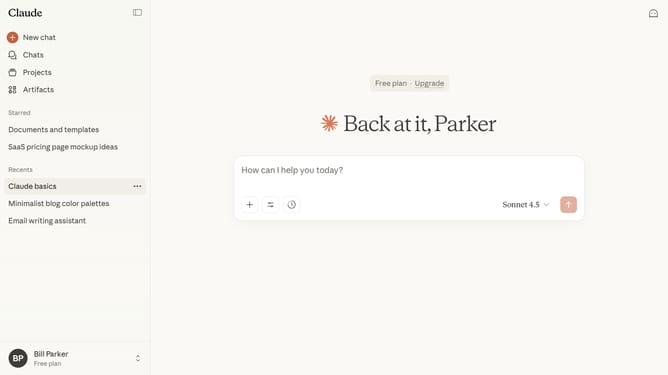
How to change the model version you’re chatting with in Claude.ai
Here is how to change the model version you’re chatting with in claude.ai
- First start a new chat or open an existing one
- Next click on the model selector dropdown button to open the model selection menu
- Then choose the model you want to use in the dropdown menu
- To view more models, click on the "More models" option
- Finally the chat will switch to the selected model immediately
Why should you change the model version you’re chatting with in Claude.ai
Claude is an advanced conversational AI designed to enhance interactive experiences.
One of the standout features in Claude.ai is the ability to switch between different model versions during your chat.
This flexibility allows you to tailor the conversation to your needs, ensuring more relevant and precise responses.
Switching models can enhance the accuracy or creativity of responses, providing a customized experience that adapts to varying communication demands.
Last update