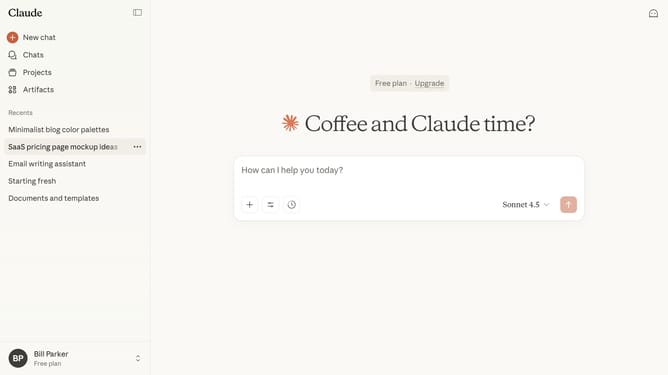
How to star a project for quick access in Claude.ai
Here is how to star a project for quick access in claude.ai
- First click on "Projects" in the left sidebar
- Next click on the project you want to star to open it
- Then click on the star icon in the top right area of the project header
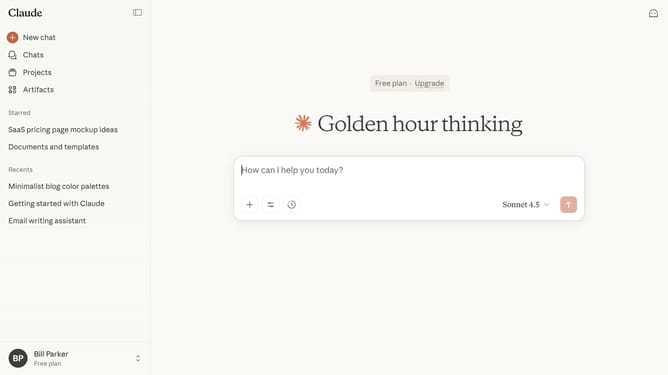
- The project will now appear in your starred items in the left side panel of your account
Why should you star a project for quick access in Claude.ai
Claude.ai is an intuitive platform designed to streamline project management and enhance productivity through seamless collaboration.
With the feature of starring a project for quick access, Claude.ai ensures that your most important projects are right at your fingertips.
This handy feature provides the simplicity of marking priority projects, enabling professionals to focus efficiently and minimize time lost on navigation.
Ultimately, starring projects in Claude.ai condenses workflows, fosters a more organized workspace, and propels productivity forward.
Last update