How to select the explanatory preset style in a chat in Claude.ai
Here is how to select the explanatory preset style in a chat in claude.ai
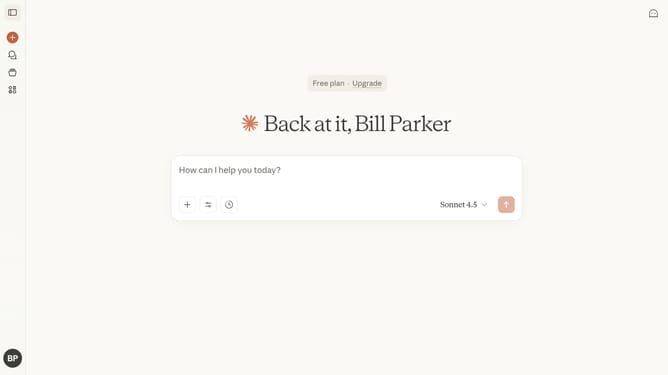
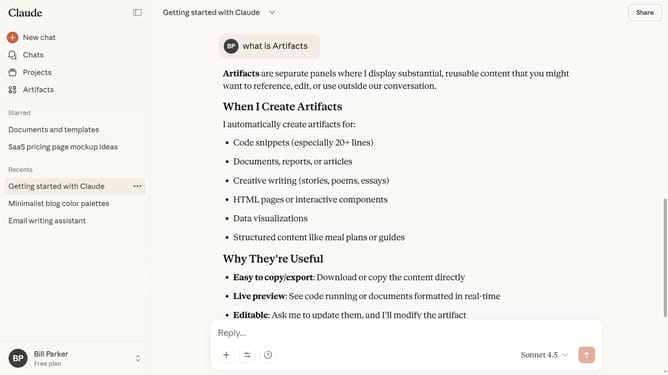
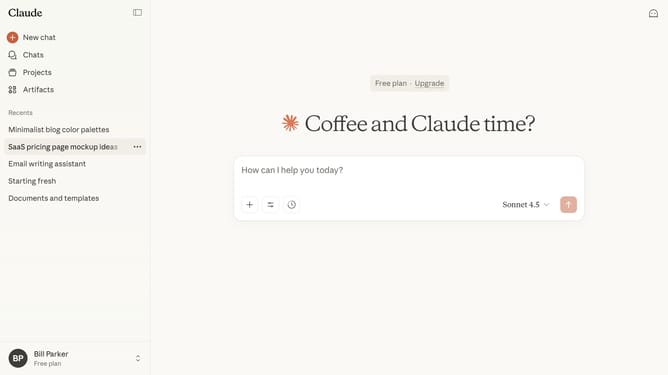
- First start a new chat or open an existing chat
- Next click on the "Search and tools" button below the input field
- Click on the "Use style" option in the dropdown menu
- Then select the "Explanatory" style from the style menu
- You can now type your prompt, and Claude will respond with detailed, educational explanations
Why should you select the explanatory preset style in a chat in Claude.ai
Claude is an advanced AI designed to enhance interaction and understanding in digital conversations.
One of its impactful features is the explanatory preset style, which can be selected to adjust how information is conveyed during chats. This mode is perfect for environments where clear, detailed explanations are needed.
Utilizing the explanatory preset style allows users to enjoy enriched dialogue, facilitating deeper comprehension of complex topics without unnecessary clutter. It's a perfect tool for educational or professional discussions seeking clarity and depth.
Last update