How to add multiple chats to a project in Claude.ai
Here is how to add multiple chats to a project in claude.ai
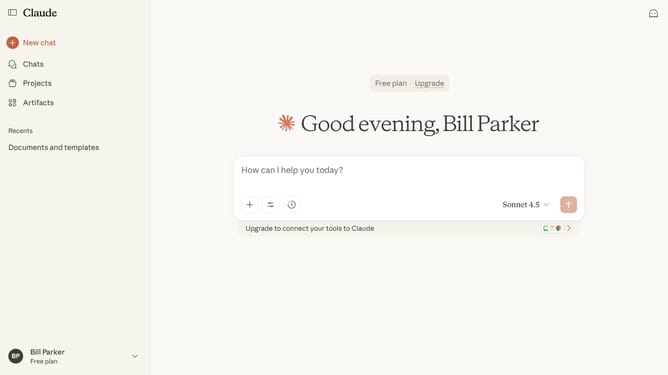
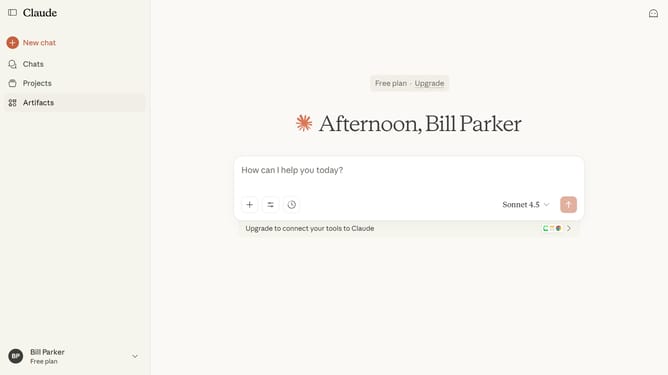
- First click on the "Chats" menu in the left sidebar
- Find the chats you want to add to the same project from the chat list
- Next select all the chats by checking their boxes
- Then click on the "Move to project" button in the action toolbar
- Finally select the project you want to add the selected chats to from the list
Why should you add multiple chats to a project in Claude.ai
Claude.ai is an intuitive platform designed to streamline collaborative efforts through advanced AI-driven project management.
Adding multiple chats to a project in Claude.ai greatly enhances communication and ensures all team conversations are organized systematically. By consolidating various threads under a single project umbrella, this feature promotes efficiency and minimizes the chaos of scattered discussions.
Using this feature brings structure to your workflow, fostering a more collaborative and productive environment. It's an invaluable tool for teams seeking streamlined communication and project cohesion.
Last update