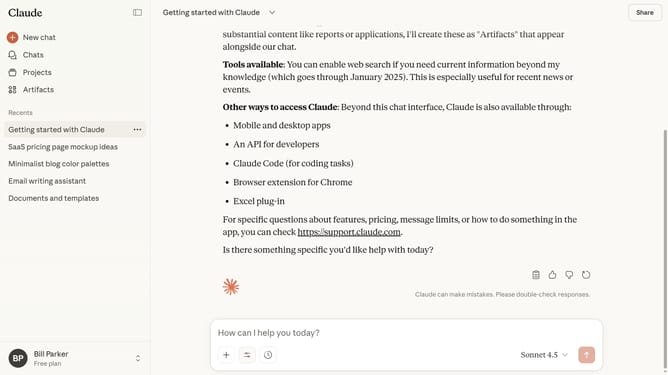
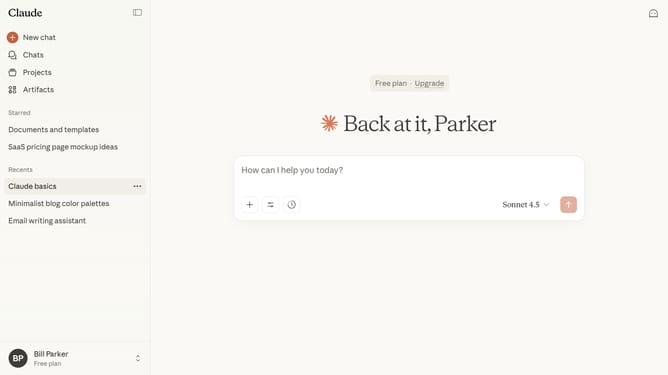
How to unarchive a project from the archived projects tab in Claude.ai
Here is how to unarchive a project from the archived projects tab in claude.ai
- First click on "Projects" in the sidebar navigation menu
- Click on the "Archived" tab in the projects filter section
- Locate the project you want to unarchive
- Hover over it and click on the three-dot menu button in the top right corner of the project card
- Then select "Unarchive" option from the dropdown menu
Why should you unarchive a project from the archived projects tab in Claude.ai
Claude.ai is an innovative platform designed to streamline project management and enhance productivity.
The ability to unarchive a project from the archived projects tab is a powerful feature on Claude.ai. It offers users the flexibility to revisit and reactivate past projects with ease. This functionality ensures that valuable work is not lost and can be revived whenever needed.
Using this feature promotes efficient resource management and allows teams to capitalize on previous efforts. By unarchiving projects, users can seamlessly integrate past insights and data into current workflows, ensuring continuity and leveraging prior achievements.
Last update