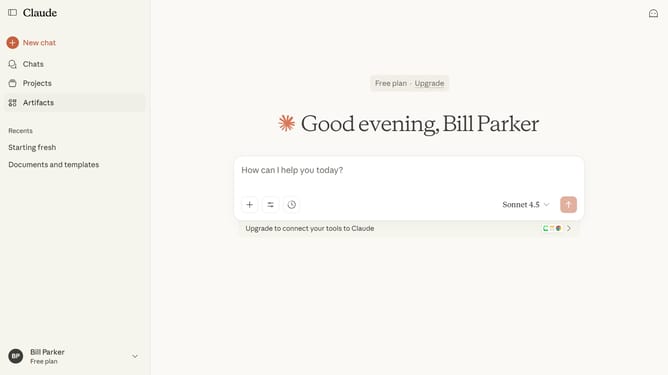
How to switch between models in Claude.ai
Here is how to switch between models in claude.ai
- First start a new chat or open an existing one
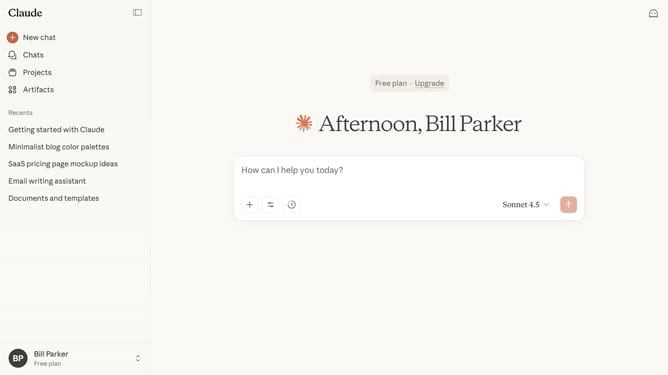
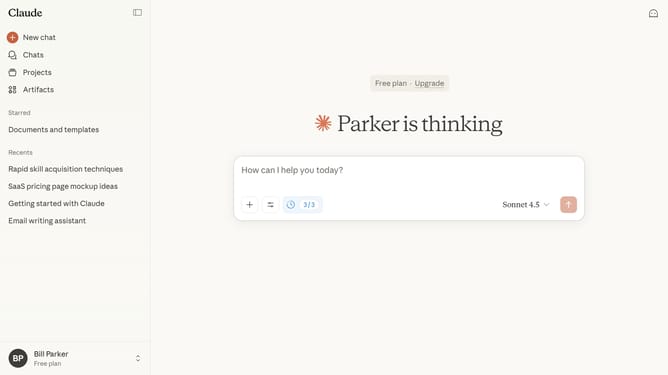
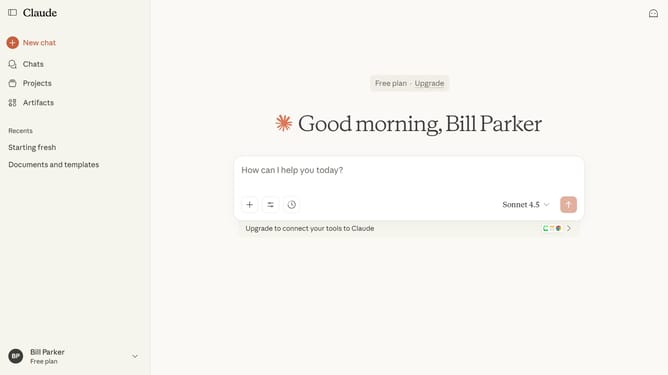
- Next click on the model selector dropdown button to open the model selection menu
- Then choose the model you want to use in the dropdown menu
- To view more models, click on the "More models" option
- Finally the chat will switch to the selected model immediately
Why should you switch between models in Claude.ai
Claude.ai is an innovative tool designed to enhance digital creativity with advanced AI modeling capabilities.
Switching between models in Claude.ai is a seamless feature that enhances flexibility and precision in your AI interactions. This adaptability allows users to select models that best fit their unique project needs.
Utilizing this feature ensures you can optimize AI responses, saving time and improving the relevance of generated content, ultimately driving better outcomes for various applications.
Last update