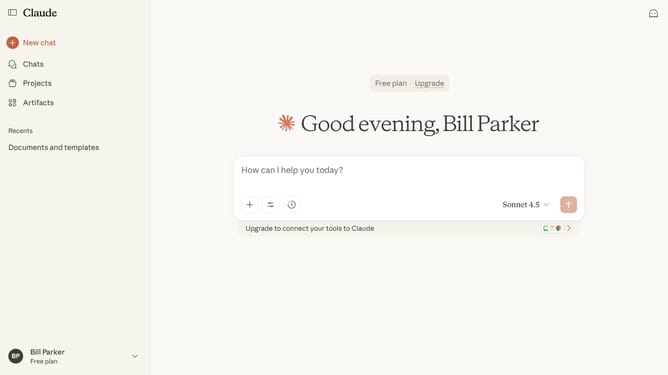
How to disable web search in a chat in Claude.ai
Here is how to disable web search in a chat in claude.ai
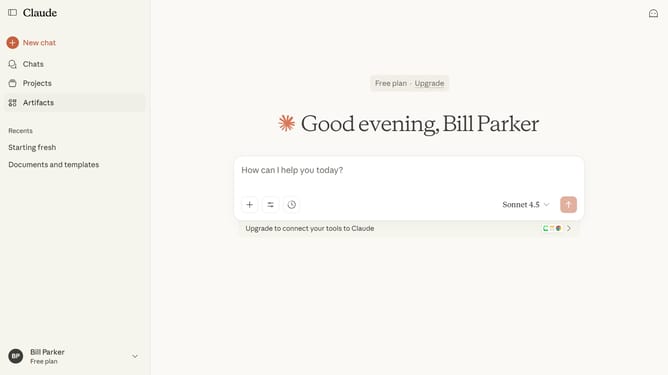
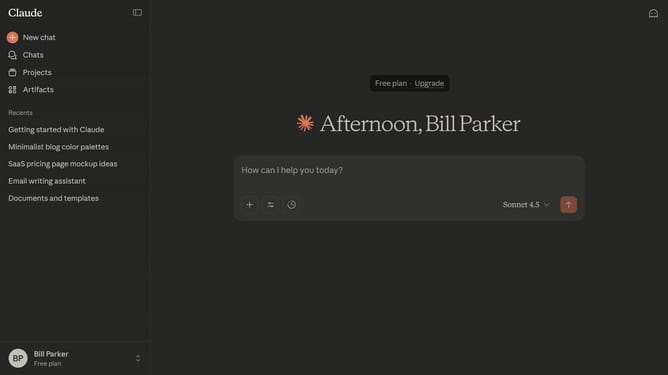
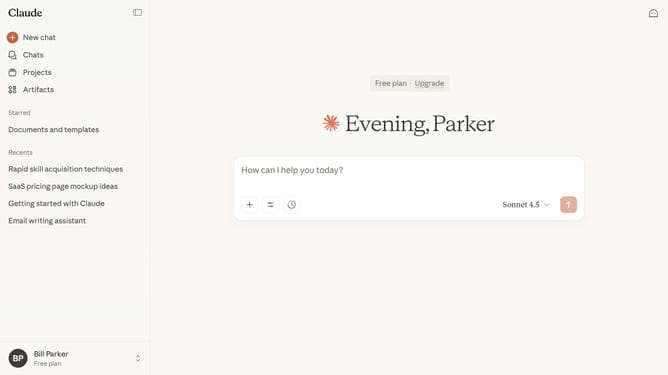
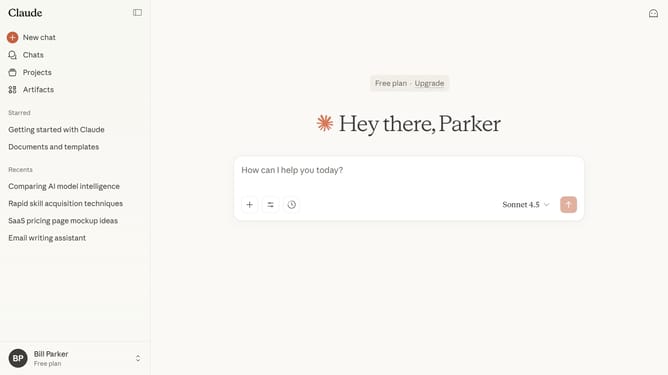
- First click on the slider icon in your chat input interface
- Next locate the "Web search" option in the dropdown menu
- Then click on the toggle switch to turn off web search feature
Why should you disable web search in a chat in Claude.ai
Claude.ai is an intuitive AI-driven platform designed to enhance conversation efficiency and intelligence.
One standout feature of Claude.ai is the ability to disable web search within chat. This feature empowers users to maintain a focused and streamlined interaction by preventing external distractions.
By halting automatic web searches, users can preserve privacy and ensure that the chat content remains contextually relevant and personalized. This fosters a more direct and uninterrupted communication experience.
Last update