How to switch between preset styles in Claude.ai
Here is how to switch between preset styles in claude.ai
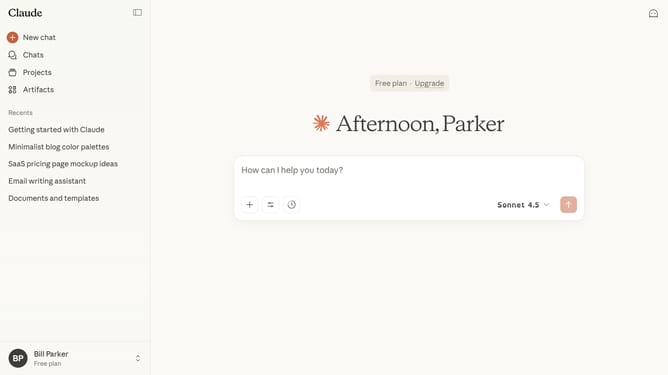
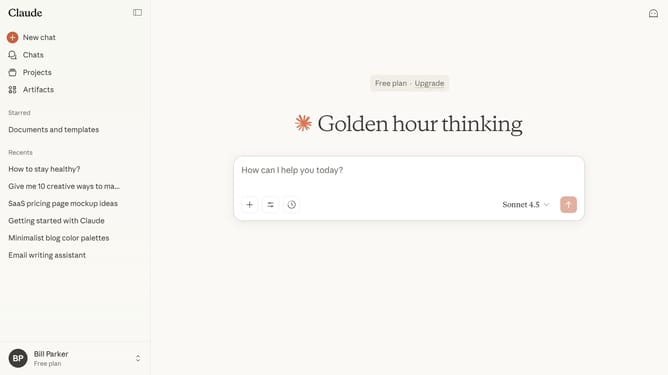
- First start a new chat or open an existing chat
- Next click on the "Search and tools" button below the input field
- Click on the "Use style" option in the dropdown menu
- Then select preset style you want to use from the style menu
- You can now type your prompt, and Claude will adapt its responses according to your selected style
Why should you switch between preset styles in Claude.ai
Claude.ai is an advanced platform designed to enhance your creative and productive potential through intelligent AI-driven tools.
Switching between preset styles in Claude.ai allows users to easily tailor their content to different contexts and audiences. This feature provides flexibility and enhances the overall user experience by offering a selection of styles to match the desired tone and purpose.
Using these preset styles can save time, streamline the creative process, and ensure your output remains consistent and effective. By leveraging preset styles, users can effortlessly adapt their work to suit varying needs, making Claude.ai a dynamic tool for any creative project.
Last update