How to sort projects by date created in Claude.ai
Here is how to sort projects by date created in claude.ai
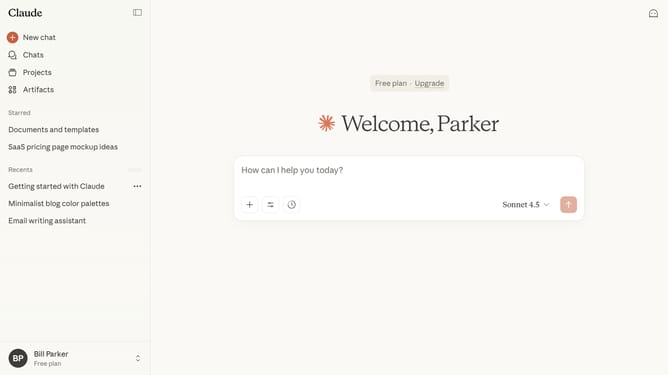
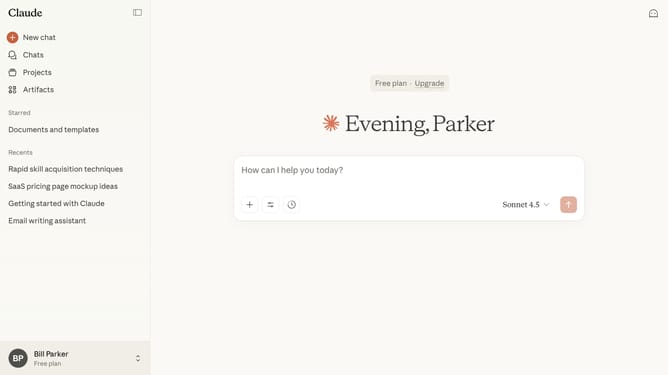
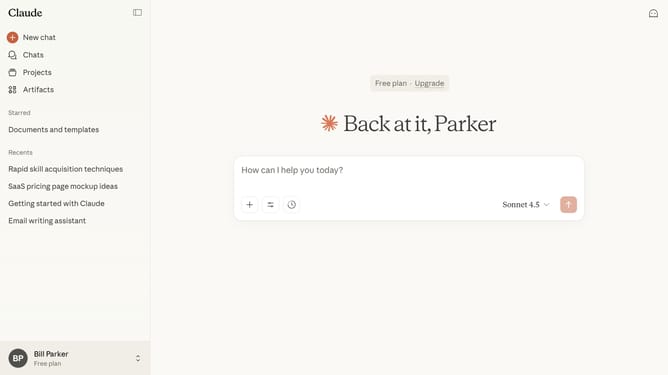
- First click on "Projects" in the sidebar navigation menu
- Next click on the "Sort by" dropdown menu in the top right
- Then select "Date created" option from the dropdown menu
Why should you sort projects by date created in Claude.ai
Claude.ai is an intuitive platform designed to streamline project management with ease and efficiency.
Sorting projects by date created in Claude.ai allows users to quickly access the most pertinent and recent projects, ensuring that no new developments are overlooked.
This feature enhances productivity by providing a clear chronological view, aiding in project timeline assessments and efficient information retrieval.
Using this function can significantly improve workflow management, allowing teams to stay organized and focused on their priorities.
Last update